



Sì—KOSPET offre orologi da corsa da uomo che possono inviare gli allenamenti registrati a Strava tramite un'app companion. Il test utile è semplice: una corsa conclusa appare in Strava con dati sufficienti su percorso e prestazioni da rivedere, confrontare e condividere. Non è necessaria un'app Strava al polso.
Scegli l'orologio in base alla qualità della corsa che registra, non al logo dell'app a cui si collega. Stabilità del GPS, autonomia con GPS continuo, vestibilità al polso e metriche in tempo reale leggibili definiscono l'attività prima che inizi la sincronizzazione. Parti dai percorsi che corri davvero, poi esplora un orologio da corsa pensato per queste condizioni.
{{table-of_contents}}
Quali orologi da corsa KOSPET sono compatibili con Strava?
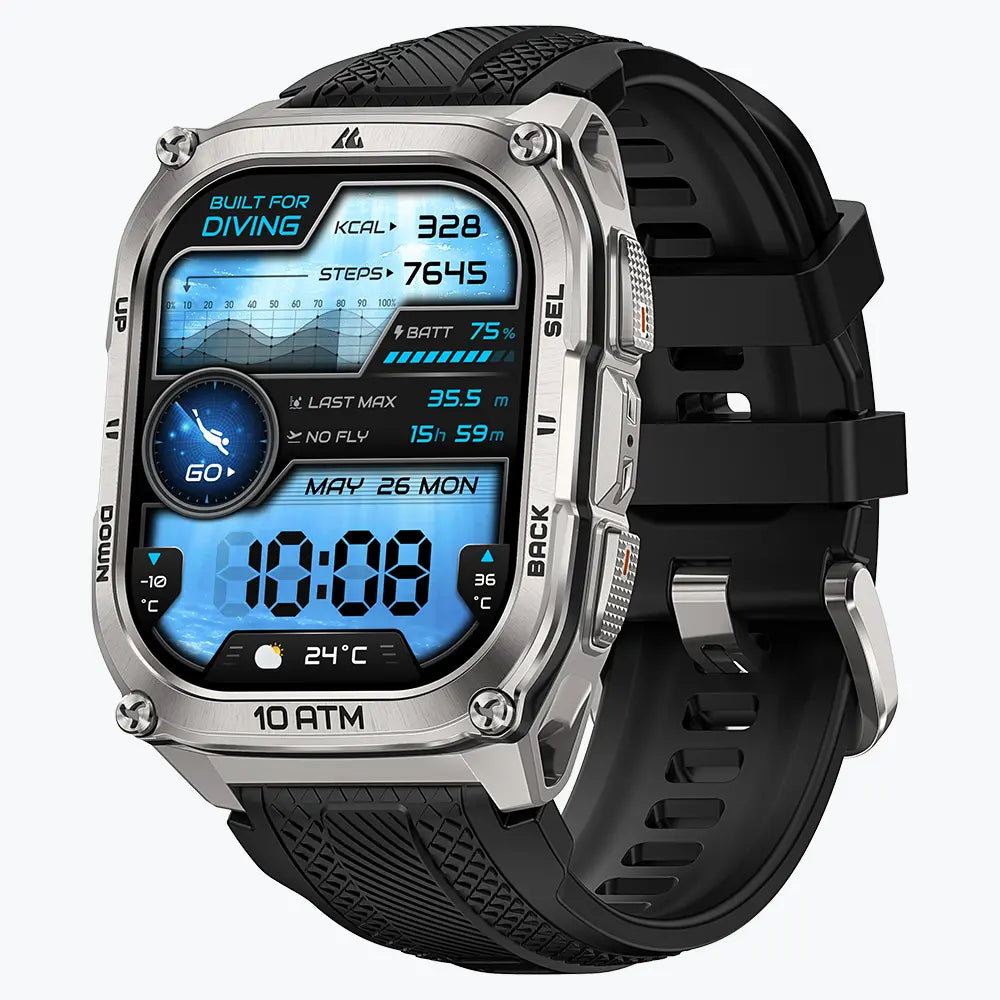
Il miglior smartwatch KOSPET per Strava è quello che registra la tua corsa abituale senza compromessi. Tutte e tre le opzioni qui sotto si collegano tramite l'ecosistema dell'app companion KOSPET; le differenze significative riguardano il supporto ai percorsi, il formato dello schermo e l'autonomia del GPS.
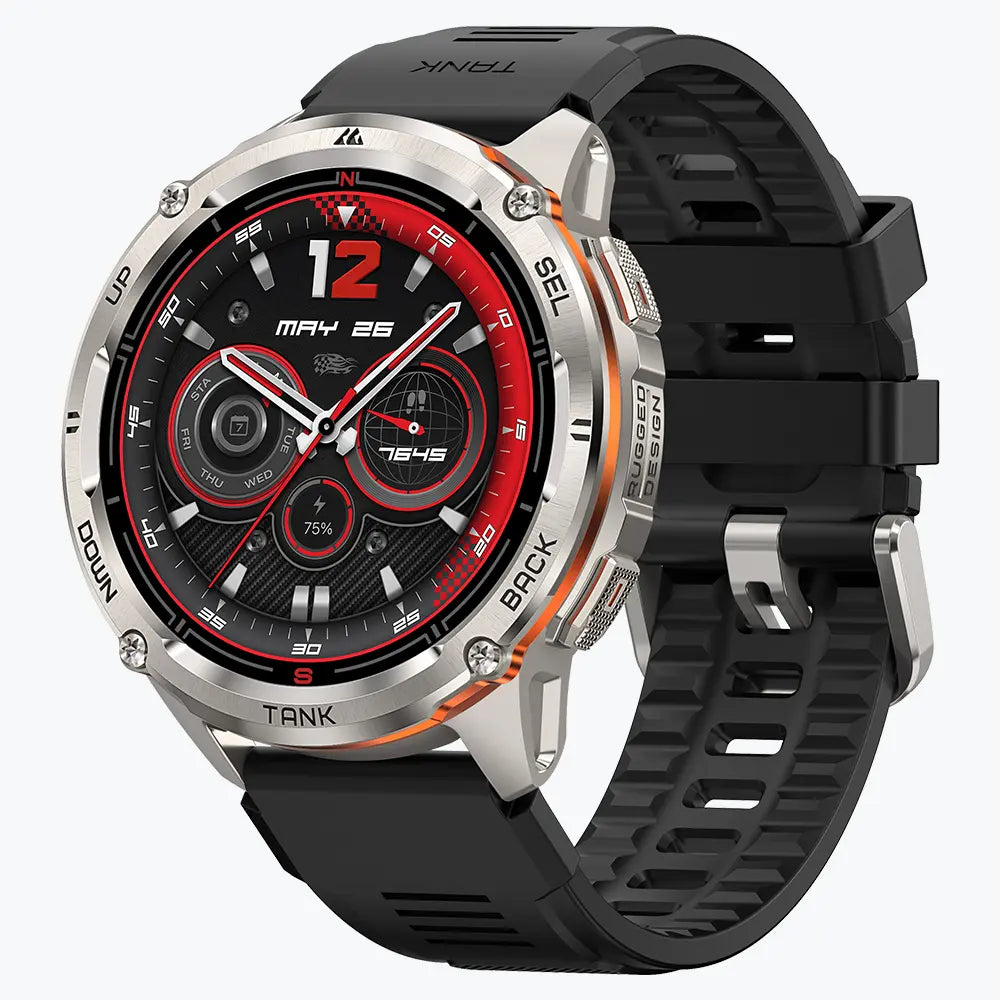
KOSPET TANK T4: Il match più chiaro per Strava
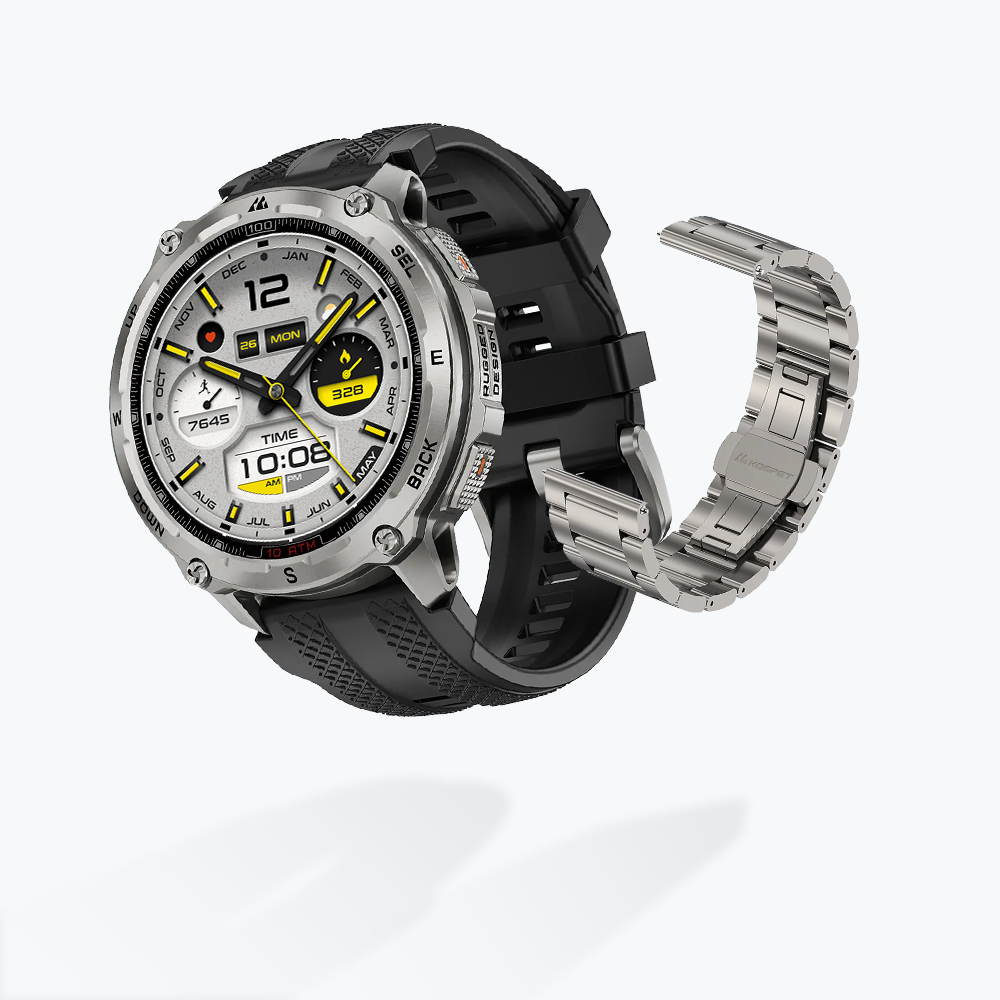
KOSPET TANK T4 Special Edition Smartwatch
219,99 €EUR
TANK T4 è la scelta più diretta per i runner che già usano Strava come principale diario di allenamento. La sua pagina prodotto ufficiale cita esplicitamente la sincronizzazione con Strava tramite Apexmove OS. GNSS dual-band a sei sistemi, algoritmo di posizionamento OPDR, mappe offline e fino a 21–22 ore di GPS continuo sono progettati per registrare le sessioni su strada, in città e sui sentieri dall'inizio alla fine.
Abbinamento migliore: runner outdoor abituali che vogliono un solo orologio per percorsi mappati, sessioni più lunghe e condivisione automatica dopo la corsa.
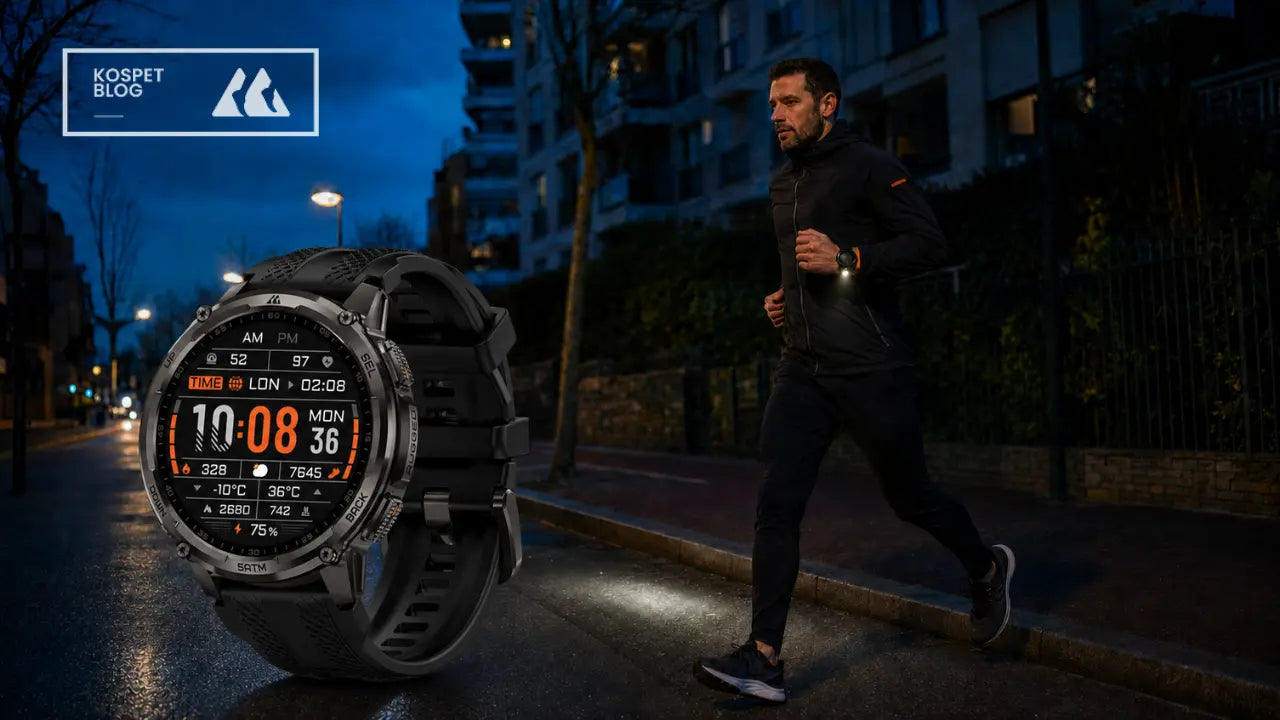
KOSPET TANK T3 ULTRA 2: Costruito per i percorsi lunghi
Le lunghe giornate sui trail rendono la registrazione dell'endurance e della navigazione più importanti del nome dell'app. TANK T3 ULTRA 2 combina il posizionamento dual-band su sei sistemi satellitari con Route Back, bussola, altimetro barometrico e fino a 35 ore di utilizzo continuo del GPS. La sua pagina prodotto presenta anche la condivisione degli allenamenti tramite app companion e la sincronizzazione con app fitness di terze parti.
- Rilevanza per Strava: una maggiore autonomia GPS aiuta a preservare un'attività completa invece di un percorso interrotto dalla batteria.
- Abbinamento migliore: trail runner e escursionisti che preferiscono un display rotondo e passano più tempo lontano dalle strade familiari.
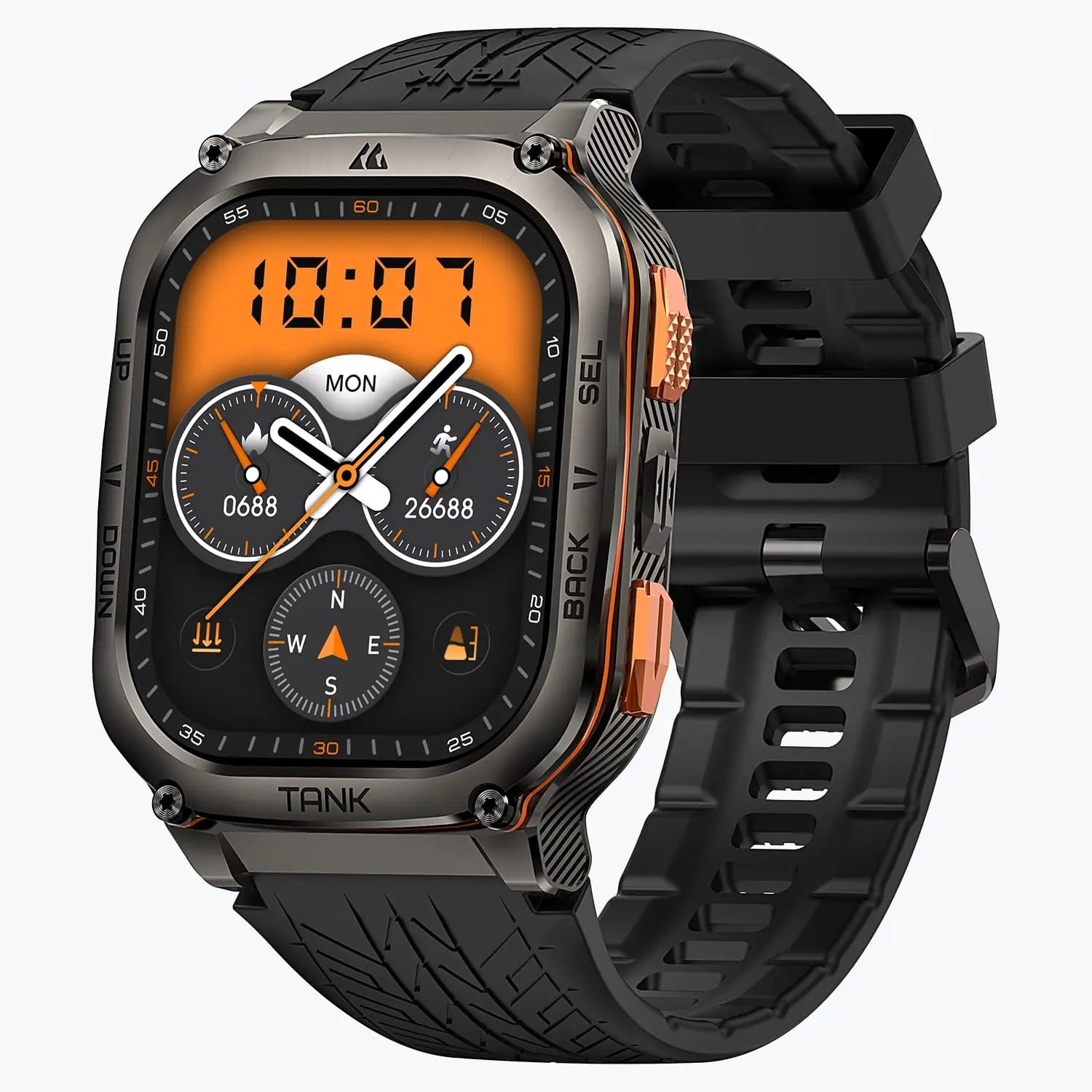
KOSPET TANK M3 ULTRA: Una visione più ampia della corsa
Uno schermo più grande è adatto ai runner che vogliono vedere facilmente ritmo, tempo e stato dell'allenamento mentre si muovono. TANK M3 ULTRA utilizza un display AMOLED da 1,96 pollici, oltre al posizionamento dual-band a sei sistemi e fino a 35 ore di GPS continuo. Il flusso tramite app companion supporta la revisione e la condivisione degli allenamenti, valorizzando l'attività che arriva su Strava più dell'interfaccia affollata al polso.
Abbinamento migliore: runner che preferiscono un display rettangolare, sessioni GPS lunghe e rapide occhiate durante la corsa.
Nota sull'app: le attuali pagine prodotto KOSPET fanno riferimento ad Apexmove, mentre alcuni manuali e le FAQ sulla sincronizzazione KOSPET con Strava fanno riferimento a KOSPET FIT. L'app indicata nel manuale dell'orologio o nel codice QR di associazione è il punto di partenza corretto per quel dispositivo e quel firmware.
Cosa significa davvero “compatibile con Strava” dopo una corsa
La compatibilità con Strava riguarda il percorso dell'attività dopo aver toccato Salva. L'orologio registra l'allenamento al polso, l'app KOSPET designata lo riceve e una connessione autorizzata invia l'attività a Strava. Strava riconosce i caricamenti da app e la sincronizzazione da dispositivi GPS come modi standard per portare le attività sulla piattaforma, come spiegato nella sua guida su come portare le attività su Strava.
L'esperienza pratica: registra una volta sull'orologio, poi rivedi la corsa completata sia nell'app companion sia in Strava.
Il telefono fa da ponte, non da secondo registratore. Una volta completata l'autorizzazione dell'account, la routine normale resta concentrata sulla corsa: avvia l'attività outdoor sull'orologio, salvala al termine e lascia che l'app companion esegua la sincronizzazione. L'app ufficiale Apexmove copre l'associazione e la gestione degli allenamenti, mentre le FAQ KOSPET documentano l'autorizzazione dell'account Strava.
Quali dati di corsa possono arrivare su Strava?
La maggior parte dei runner ha bisogno di un'attività coerente, non di ogni valore del sensore raccolto dall'orologio. Percorso, tempo trascorso o in movimento, distanza, ritmo e frequenza cardiaca forniscono il nucleo utile per un diario di allenamento su Strava. I campi esatti visibili dopo il caricamento dipendono dall'allenamento registrato, dalla versione dell'app companion, dalle autorizzazioni concesse e dal file dell'attività passato a Strava.
| Cosa appare in Strava | Cosa indica al runner | Cosa influenza il risultato |
|---|---|---|
| Percorso GPS | Dove si è svolta la corsa outdoor | Una registrazione GPS outdoor valida; le attività indoor normalmente non includono una mappa |
| Distanza e ritmo | Quanto lontano e quanto velocemente è progredita la sessione | Punti GPS registrati più l'elaborazione di distanza e tempo in movimento di Strava |
| Tempo | Durata totale e tempo di corsa attivo | Comportamento delle pause e calcolo del tempo in movimento di Strava |
| Frequenza cardiaca | Quanto è stato impegnativo lo sforzo lungo la corsa | Un flusso di frequenza cardiaca registrato e l'autorizzazione a elaborare dati relativi alla salute |
| Dislivello, cadenza o calorie | Contesto extra per salite, tecnica e carico di lavoro | Disponibilità nel file sorgente; questi campi possono variare tra dispositivi e versioni dell'app |
Una piccola differenza tra l'orologio e Strava non segnala automaticamente una sincronizzazione fallita. Strava spiega che analizza i dati GPS caricati per calcolare la distanza e usa una propria logica per distanza, tempo in movimento, velocità e ritmo. Una prima corsa outdoor breve fornisce quindi la prova più chiara: confronta la mappa, il tempo totale, la distanza e il grafico della frequenza cardiaca in entrambe le app.
Tre priorità per scegliere un orologio GPS da corsa da uomo
Tre abitudini di corsa rivelano più di una lunga scheda tecnica. L'ambiente del percorso, la sessione regolare più lunga e l'esperienza al polso determinano la qualità e la completezza dell'attività che poi arriva su Strava.
- 1. Dove si svolgono la maggior parte delle corse?
- Le strade aperte richiedono meno al posizionamento. Vie dense, copertura alberata e sentieri sconosciuti rendono più preziosi GNSS dual-band, guida del percorso e strumenti di navigazione più efficaci. Dati sorgente migliori offrono a Strava un percorso più pulito da interpretare.
- 2. Quanto dura la sessione normale più lunga?
- L'autonomia con GPS continuo conta più del dato principale sull'autonomia quotidiana. Un orologio che copre comodamente la corsa settimanale più lunga lascia spazio alla navigazione, a un display luminoso e al meteo variabile senza trasformare la gestione della batteria in parte dell'allenamento.
- 3. Cosa deve essere visibile mentre corri?
- Uno schermo leggibile a colpo d'occhio e una vestibilità sicura rendono più facili i controlli di ritmo e frequenza cardiaca in movimento. Un contatto stabile con la pelle supporta anche la registrazione ottica della frequenza cardiaca, offrendo all'attività caricata un contesto di intensità più utile.
La resistenza è il filtro finale, non la domanda iniziale. Sudore, pioggia, polvere, urti accidentali e uso outdoor regolare giustificano un'adeguata resistenza all'acqua e una cassa robusta. Il confronto tra orologi KOSPET rende più facile rivedere queste differenze dopo aver chiarito le tre priorità della corsa.
Come collegare un orologio da corsa KOSPET a Strava
La configurazione è un collegamento una tantum tra l'orologio, la sua app companion e Strava. Mantieni il processo breve e verifica la connessione con una vera attività GPS invece di perdere tempo a cambiare impostazioni non correlate.
- Installa l'app indicata nel manuale dell'orologio o nel codice QR di associazione. Accedi e associa l'orologio tramite Bluetooth.
- Apri l'area dell'app dedicata ai servizi di terze parti o alla connessione dell'account. Seleziona Strava e accedi all'account Strava desiderato.
- Approva l'accesso alle attività. Completa il flusso di autorizzazione, poi torna nell'app KOSPET e verifica che Strava risulti connesso.
- Registra un breve test di corsa all'aperto sull'orologio. Attendi il fix GPS, avvia l'attività, corri per alcuni minuti e salvala sull'orologio.
- Sincronizza e verifica. Apri l'app companion, consenti la comparsa del nuovo allenamento, poi controlla Strava per la mappa, il tempo, la distanza, il ritmo e i dati disponibili sulla frequenza cardiaca.
Un solo percorso di registrazione evita la maggior parte delle attività duplicate. Registra la sessione sull'orologio e lascia disattivata la registrazione simultanea su telefono con Strava; la guida di Strava sui caricamenti duplicati consiglia di mantenere una sola integrazione attiva per lo stesso allenamento.
Un caricamento di file offre un utile piano di riserva quando l'app companion consente l'esportazione dell'attività. Strava accetta file FIT, TCX e GPX tramite il suo strumento di caricamento sul sito. La sincronizzazione automatica dell'app companion resta la routine più semplice per la corsa quotidiana.
FAQ sugli orologi da corsa KOSPET e Strava
Un orologio da corsa KOSPET necessita dell'app Strava installata sull'orologio?
No. L'orologio registra l'attività e l'app companion KOSPET designata gestisce l'autorizzazione dell'account e il trasferimento a Strava.
È necessario un abbonamento Strava a pagamento per la sincronizzazione?
No. Strava dichiara che la registrazione e la condivisione delle attività sono disponibili con un account gratuito. Un abbonamento aggiunge funzioni come analisi di allenamento più approfondite, obiettivi, strumenti per i percorsi e classifiche estese; vedi la spiegazione di Strava sull'account gratuito.
Tutte le metriche mostrate nell'app KOSPET appariranno anche in Strava?
Non è pubblicata una corrispondenza universale campo per campo. Strava mostra le informazioni contenute nel file dell'attività caricato e supportate dalla sua piattaforma, quindi il primo test di corsa outdoor resta il controllo di compatibilità più affidabile.
Le corse su tapis roulant possono sincronizzarsi con Strava?
Le corse indoor possono comparire come attività, ma normalmente non hanno una mappa GPS. Strava spiega questa distinzione nella sua guida alle attività indoor e su tapis roulant.
Perché il ritmo su Strava è leggermente diverso dal risultato dell'orologio?
Strava può interpretare i punti GPS caricati e il tempo in movimento con proprie regole di elaborazione. Le piccole differenze derivano spesso da pause, campionamento GPS, qualità del segnale e distinzione tra tempo trascorso e tempo in movimento.
Qual è la risposta più rapida a un'attività mancante?
Apri prima l'app companion KOSPET e verifica che l'allenamento l'abbia raggiunta. Poi controlla la sincronizzazione Bluetooth e l'autorizzazione Strava, quindi aggiorna Strava. Ricollegare i due account è l'ultimo passaggio dopo aver confermato che l'attività esiste nell'app sorgente.





Lascia un commento
Questo sito è protetto da hCaptcha e applica le Norme sulla privacy e i Termini di servizio di hCaptcha.