

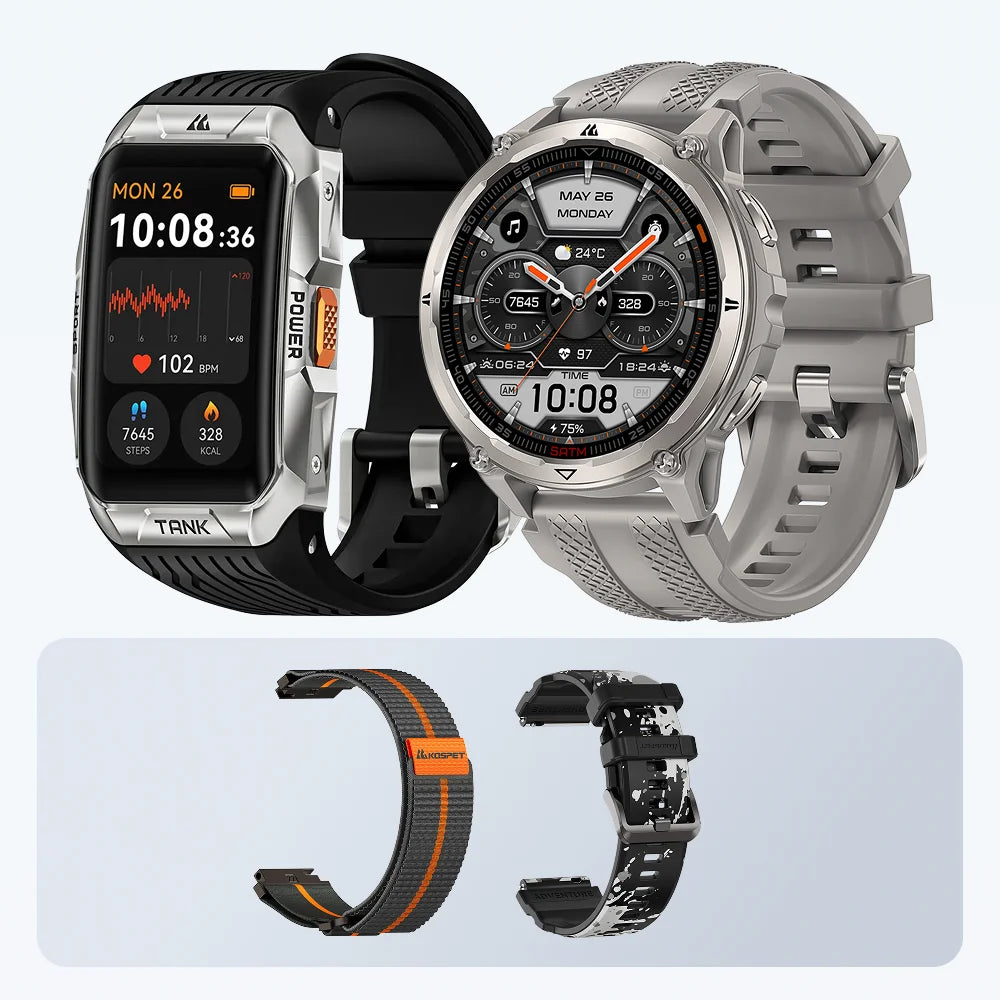
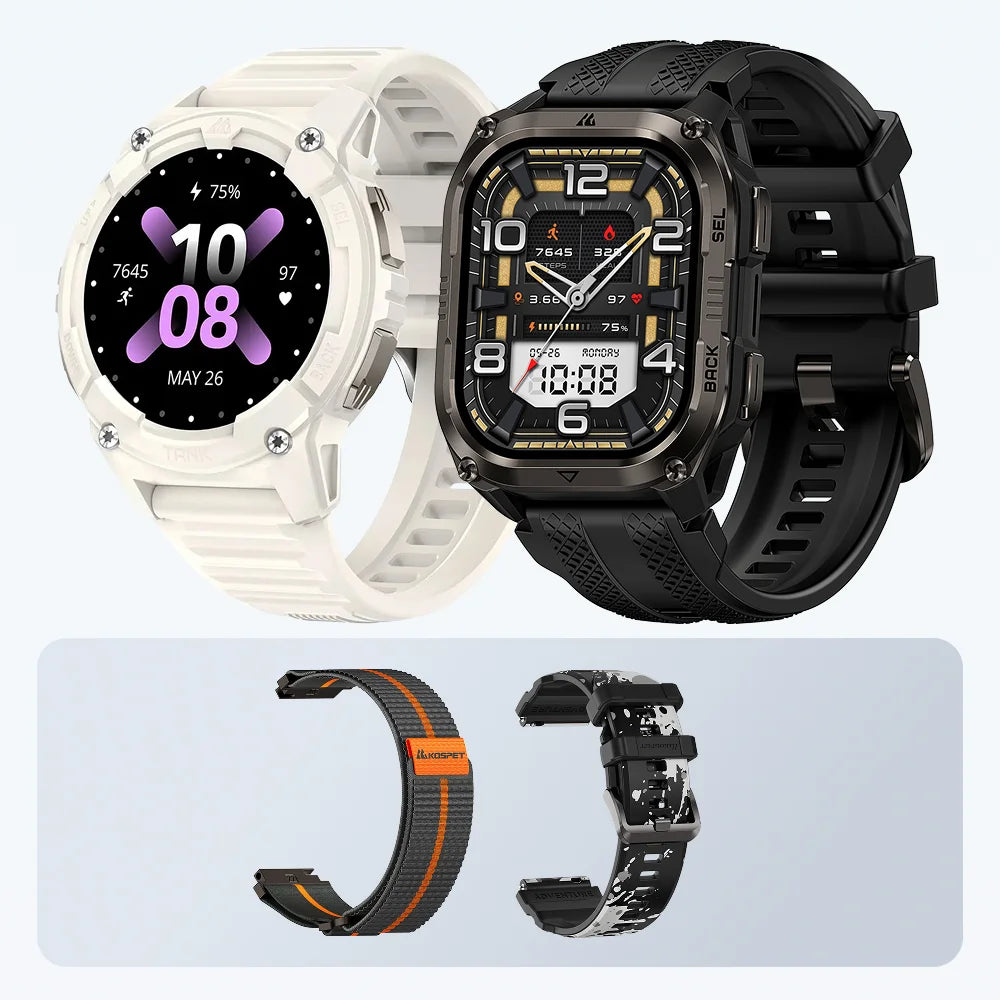


Ja — und beim Wandern im Backcountry ist es oft die klügere Wahl, Benachrichtigungen auszuschalten. Eine Smartwatch sollte dir helfen, den Überblick über den Trail zu behalten, nicht Handy-Störgeräusche in die Wildnis zu tragen. Jeder Anruf, jede Nachricht oder jede App-Benachrichtigung kostet Aufmerksamkeit, weckt den Bildschirm und verbraucht Akku — genau dann, wenn beides am wichtigsten ist.
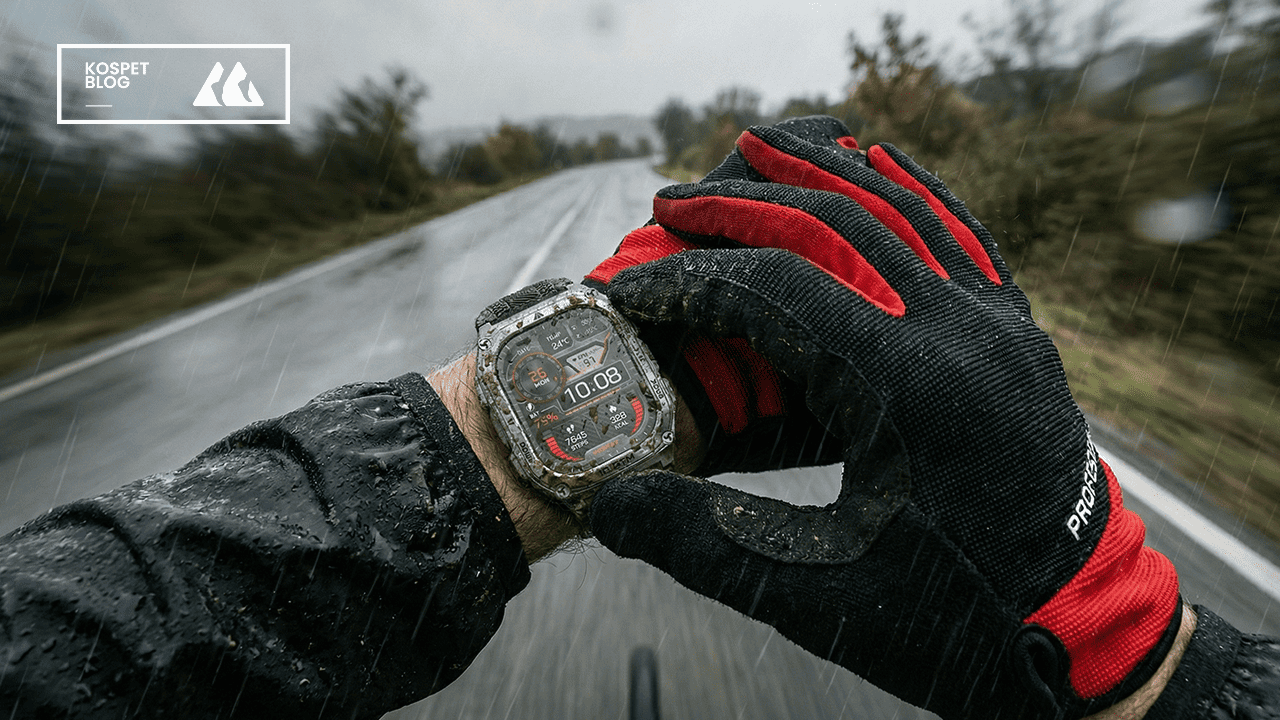
Eine Wanderuhr ist am nützlichsten, wenn sie wie Outdoor-Ausrüstung funktioniert. Lass GPS-Tracking, Routenaufzeichnung, Kompass, Höhenmesser, Barometer, Offline-Karten und Energiesparmodi aktiv. Schalte die Benachrichtigungen aus, die dir nicht helfen, dich fortzubewegen, zu navigieren oder sicher zu bleiben.

Warum Wanderer weniger Smartphone-Benachrichtigungen wollen
Wanderer wollen weniger Smartphone-Benachrichtigungen, weil der Trail schon genug Aufmerksamkeit verlangt. Ein Anruf, eine Nachricht, eine E-Mail oder ein App-Vibrieren mag im Alltag klein wirken. Auf einem felsigen Pfad, einem steilen Anstieg oder einer unbekannten Route kann es im falschen Moment die Konzentration stören.
Das ist nicht nur ein persönliches Gefühl. Eine in Environment and Behavior veröffentlichte Studie analysierte rund 2,5 Millionen Smartphone-Nutzungsdatensätze von 701 jungen Erwachsenen über zwei Jahre. Sie ergab, dass die Smartphone-Nutzung in der Zeit, die in Naturgebieten wie Wäldern und Naturschutzgebieten verbracht wurde, zurückging, besonders in den ersten drei Stunden. Die Studie beweist nicht, dass jeder Wanderer weniger Benachrichtigungen will, aber sie stützt eine einfache Idee: Wildere Outdoor-Umgebungen führen oft dazu, dass Menschen ihre Bildschirme seltener nutzen.
Beim Wandern ergibt das Sinn. Man muss auf den Untergrund achten, die Richtung prüfen, Akku sparen und Wetter- oder Routenänderungen im Blick behalten. Eine Uhr, die ständig wegen Social Media, Einkaufsbenachrichtigungen, Arbeitsnachrichten oder App-Erinnerungen summt, kann diesem Ziel zuwiderlaufen.
Es geht nicht darum, die Uhr nutzlos zu machen. Es geht darum, die nützlichen Tools aktiv zu halten und die Benachrichtigungen auszuschalten, die der Wanderung nicht helfen.
Was nach dem Ausschalten der Benachrichtigungen noch funktioniert
Das Ausschalten von Benachrichtigungen schaltet die Outdoor-Funktionen, die du brauchst, nicht aus. In den meisten Outdoor-Uhren sind Anrufbenachrichtigungen, SMS-Benachrichtigungen und App-Benachrichtigungen getrennt von GPS-Tracking und Wanderfunktionen.
Du kannst in der Regel trotzdem Route, Distanz, Tempo, Zeit und Höhenmeter aufzeichnen. Der Kompass kann weiterhin bei Richtungsprüfungen helfen. Der Höhenmesser kann weiterhin Höhenänderungen anzeigen. Der Barometer kann weiterhin helfen, Drucktrends zu beobachten. Offline-Karten und Routennavigation können weiterhin helfen, wenn das Handy kein Signal hat — vorausgesetzt, sie werden vor der Tour eingerichtet.
Das ist wichtig für Nutzer, die bei Smartwatches unsicher sind. Sie denken vielleicht, dass das Ausschalten von Benachrichtigungen bedeutet, den Hauptnutzen der Uhr zu verlieren. Das stimmt meist nicht. Ausgeschaltet wird das Handy-Gewirr, nicht das Trail-Unterstützungssystem.
Ein gutes Wander-Setup ist einfach: Behalte die Tools, die dir helfen, dich zu bewegen, zu navigieren und aufmerksam zu bleiben. Schalte die Benachrichtigungen aus, die nur von der Aufmerksamkeit ablenken.
Was du vor einer Wanderung ausschalten solltest
Als Erstes solltest du die Funktionen ausschalten, die der Wanderung nicht helfen. Dazu gehören Anrufbenachrichtigungen, SMS-Benachrichtigungen, E-Mail-Benachrichtigungen, Social-Media-App-Benachrichtigungen, Erinnerungen von Shopping-Apps und andere App-Nachrichten.
Diese Benachrichtigungen können an einem normalen Arbeitstag nützlich sein. Auf dem Trail sorgen sie oft nur für Ablenkung. Jedes Summen fordert dazu auf, nach unten zu schauen. Jedes Aufleuchten des Bildschirms verbraucht Akku. Jede Nachricht zieht Aufmerksamkeit von der Route, dem Untergrund oder dem Wetter ab.
Auch vibrationsstarke Benachrichtigungen lohnen sich oft auszuschalten. Sie können bei langen Wanderungen störend werden. Ein Always-on-Display kann man ebenfalls deaktivieren, wenn Akkulaufzeit wichtiger ist als ein schneller Blick auf den Bildschirm.
Das ist ein Grund, warum die Kontrolle über Benachrichtigungen bei der Wahl einer Outdoor-Uhr wichtig ist. Eine gute Uhr sollte es dem Nutzer ermöglichen zu entscheiden, was aktiv bleibt und was still bleibt. Der Nutzer sollte nicht die ganze Uhr abschalten müssen, nur um Handy-Benachrichtigungen zu stoppen.
Was du beim Backcountry-Wandern eingeschaltet lassen solltest
Die Funktionen, die du eingeschaltet lässt, sollten echte Probleme auf dem Trail lösen, nicht nur mehr Daten liefern. Backcountry-Wandern kann unebenes Gelände, schwaches Signal, schnelle Wetterwechsel, lange Anstiege und unklare Wegmarkierungen mit sich bringen. Das richtige Outdoor-Uhr-Setup sollte dir helfen, dich zu bewegen, die Richtung zu prüfen und Akku zu sparen, ohne alle paar Minuten das Handy herauszuholen.

- GPS-Tracking für Routen, die lang, abgelegen oder unbekannt sind
Auf einem kurzen, lokalen Trail weißt du vielleicht schon, wohin du gehst. Im Backcountry ändert sich das. GPS-Tracking hilft, deinen Weg, die Distanz, Zeit und das Tempo aufzuzeichnen, damit du deinen Fortschritt nachvollziehen und die Route später überprüfen kannst.
- Höhenmesser für Trails mit echter Höhenmeterleistung
Eine Wanderung ist nicht nur deshalb anstrengend, weil sie lang ist. Ein kurzer Anstieg mit steilem Höhengewinn kann sich härter anfühlen als ein flacher Trail, der doppelt so lang ist. Höhendaten helfen zu zeigen, wie viel du bereits gestiegen bist und wie viel Anstrengung die Route möglicherweise noch erfordert.
- Barometer für Bergwetter und Druckveränderungen
Das Wetter kann sich im offenen Gelände, in höheren Lagen oder in Bergregionen schneller ändern. Ein Barometer ersetzt nicht die Wettervorhersage, bevor du losgehst, aber Drucktrends können dir während der Wanderung nützliche Hinweise geben.
- Kompass für schnelle Richtungsprüfungen
Weggabelungen, schlechte Beschilderung, offenes Gelände oder Waldabschnitte können die Richtung unklarer machen. Ein Handgelenkkompass liefert eine schnelle Kontrolle, ohne das Handy zu entsperren, eine App zu öffnen oder lange anzuhalten.
- Offline-Karten oder Routennavigation, bevor das Signal weg ist
Karten sind am nützlichsten, wenn sie bereit sind, bevor du sie brauchst. Lade die Gebietskarte herunter, speichere den Trail oder importiere die Route, bevor du in ein Gebiet ohne Signal gehst. Das ist besonders wichtig für Trekkingrouten, Zustiege und unbekanntes Gelände.
- Energiesparmodus für den ganztägigen Outdoor-Einsatz
Eine Uhr, die ein einstündiges Training schafft, hält mit laufendem GPS vielleicht keine lange Wanderung durch. Energiesparmodus hilft, die Akkulaufzeit zu strecken, wenn der Tag lang ist, die Route abgelegen ist oder keine Lademöglichkeit verfügbar ist.
Dieses Setup hält die Uhr auf Outdoor-Unterstützung ausgerichtet. Du schaltest nicht alles ein. Du behältst die Tools, die bei Route, Richtung, Höhe, Wetterbewusstsein und Akkulaufzeit helfen.
Kann eine Wanderuhr ohne Handy funktionieren?
Viele Wanderuhren können grundlegendes Outdoor-Tracking ohne Handy bewältigen. GPS braucht keinen Mobilfunkempfang, um Bewegungen aufzuzeichnen. Das bedeutet, dass die Uhr oft Zeit, Distanz, Route, Tempo und Höhenmeter tracken kann, selbst wenn das Handy im Rucksack liegt oder kein Signal hat.
Einige Funktionen brauchen Vorbereitung. Offline-Karten müssen möglicherweise zuerst heruntergeladen werden. Routen müssen vor der Tour importiert werden. Trainingsdaten werden später möglicherweise synchronisiert, wenn sich die Uhr wieder mit der App verbindet.
Das ist wichtig, weil viele Wanderer ihr Handy nicht ständig prüfen wollen. Sie nehmen es vielleicht trotzdem aus Sicherheitsgründen, für Fotos oder für Notfälle mit. Aber sie wollen nicht, dass es die gesamte Wanderung bestimmt.
Die Uhr sollte weder die Tourenplanung noch eine Karte oder grundlegendes Outdoor-Urteilsvermögen ersetzen. Aber sie kann die Wanderung erleichtern, indem sie wichtige Informationen am Handgelenk hält: Route, Richtung, Höhe, Zeit und Akku.
Empfohlene Wahl: KOSPET TANK T4 zum Wandern
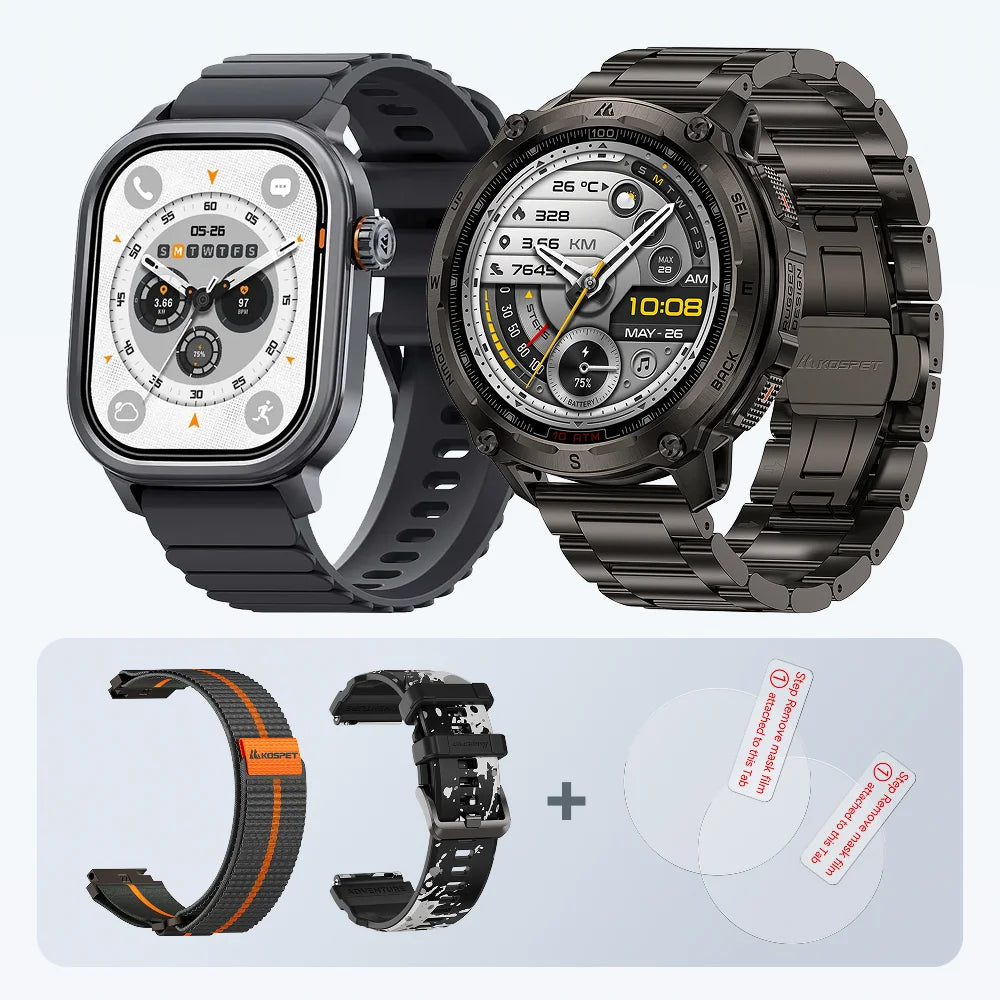
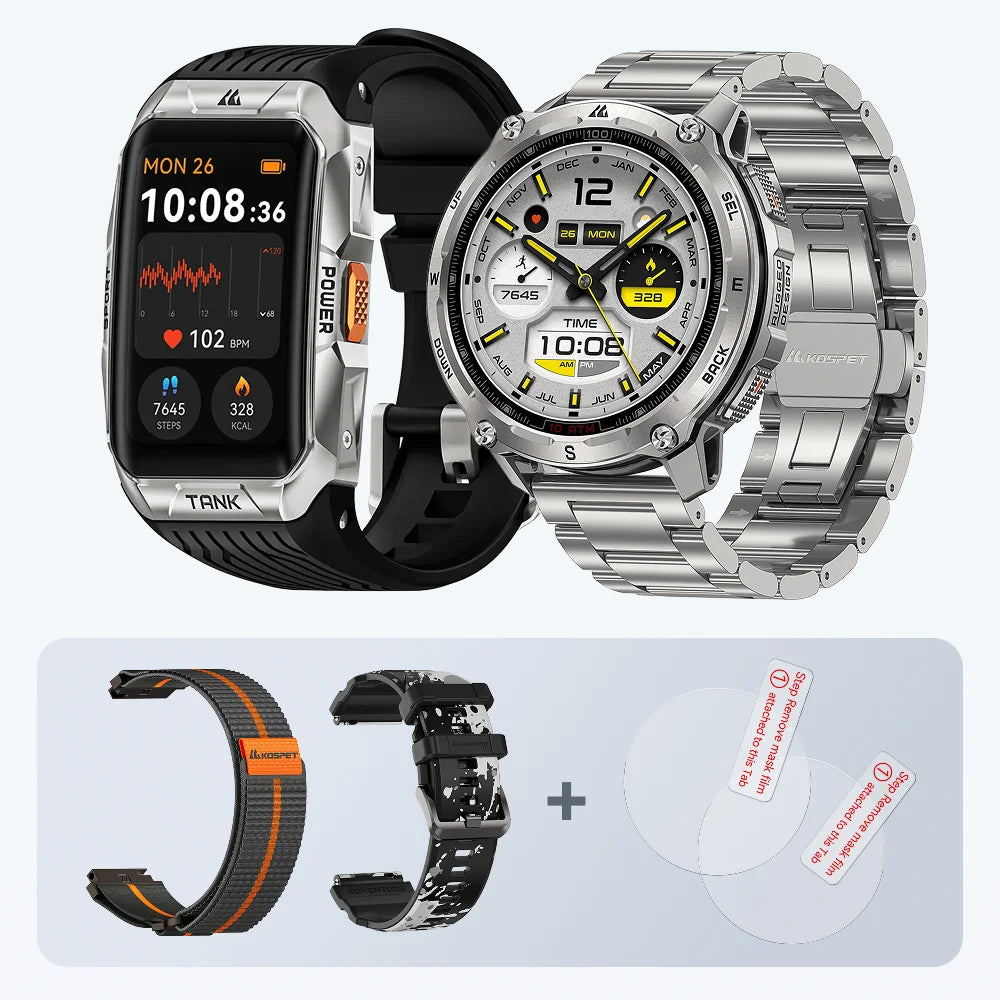
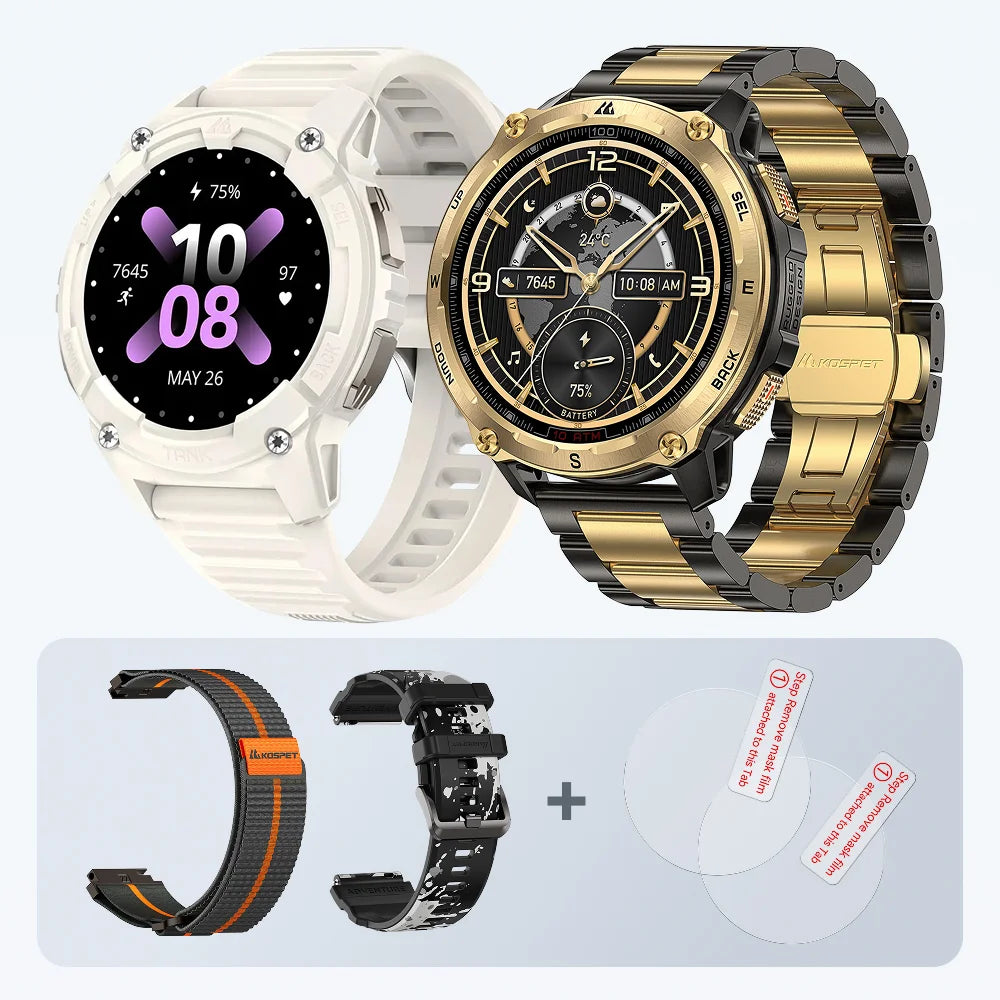
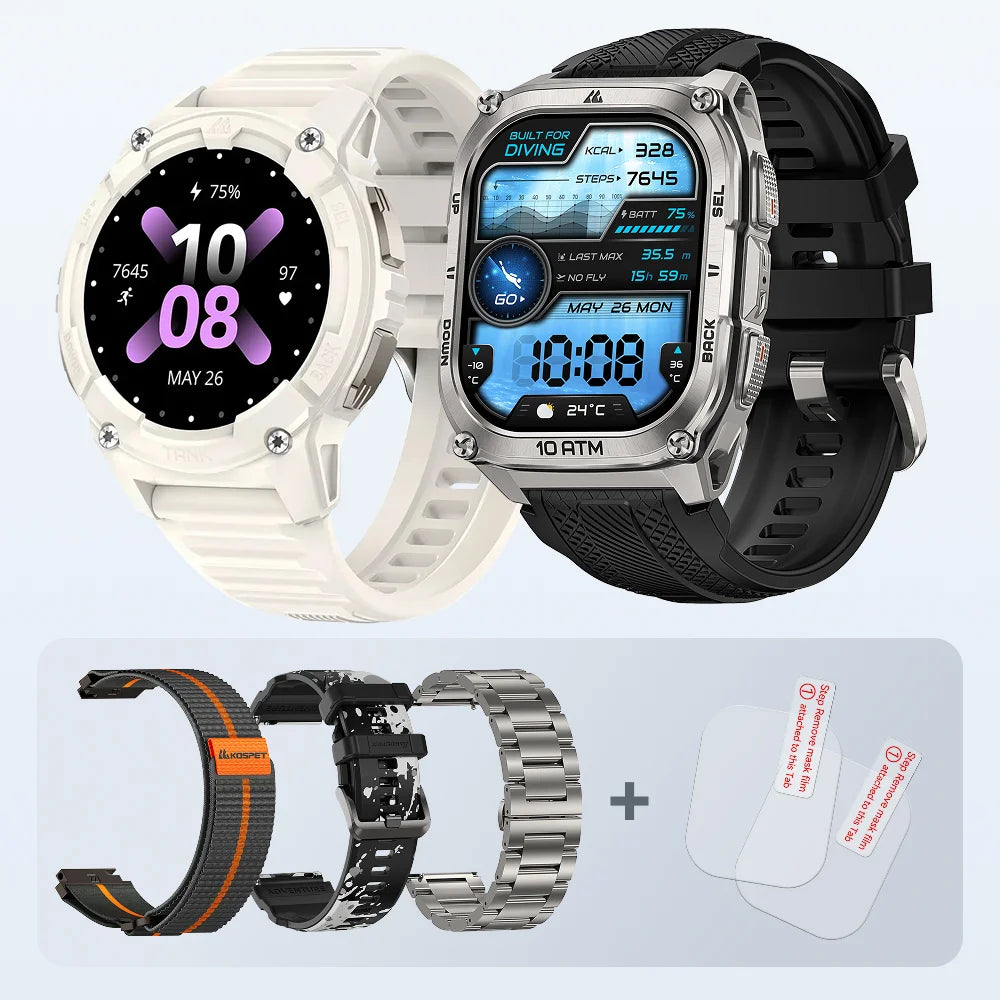
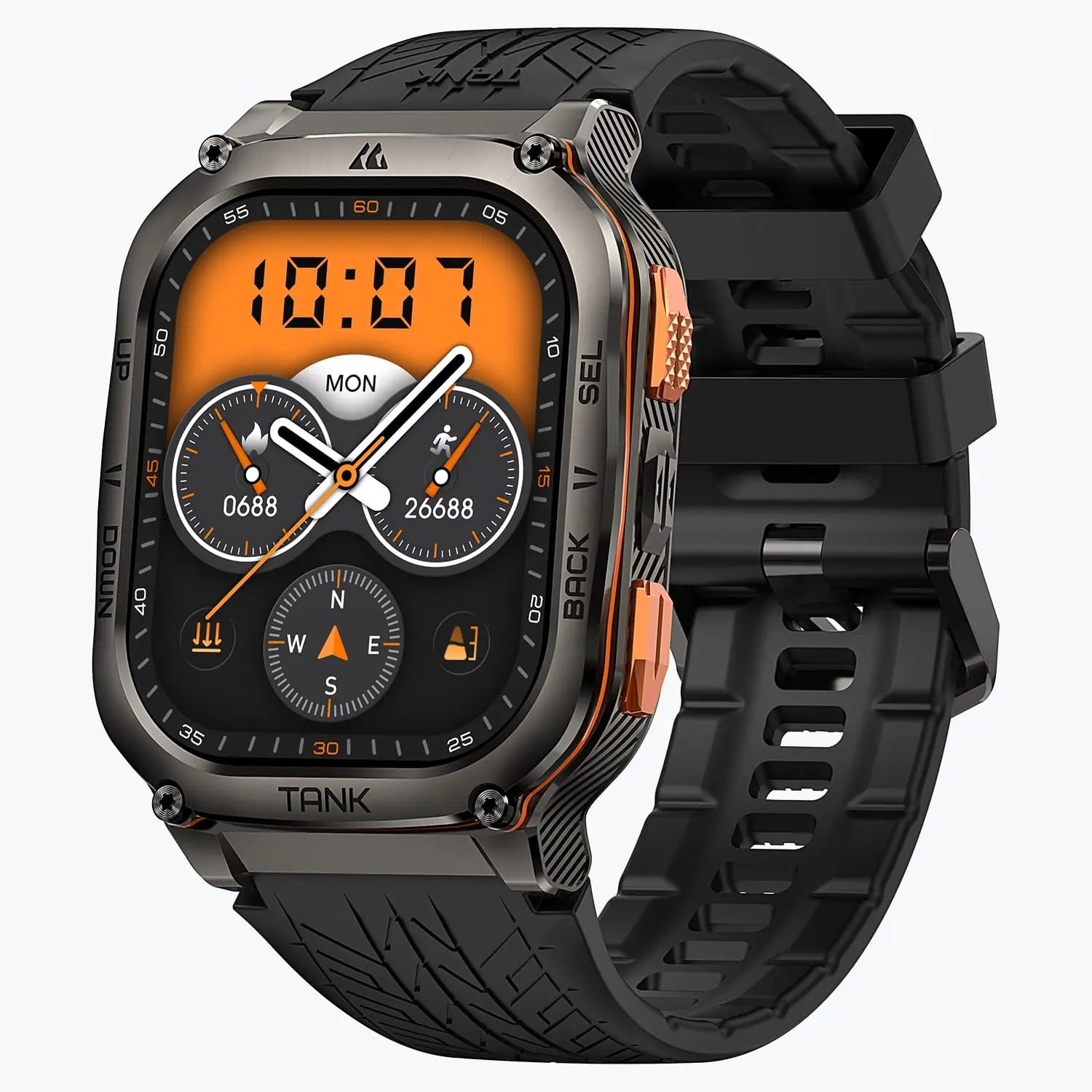
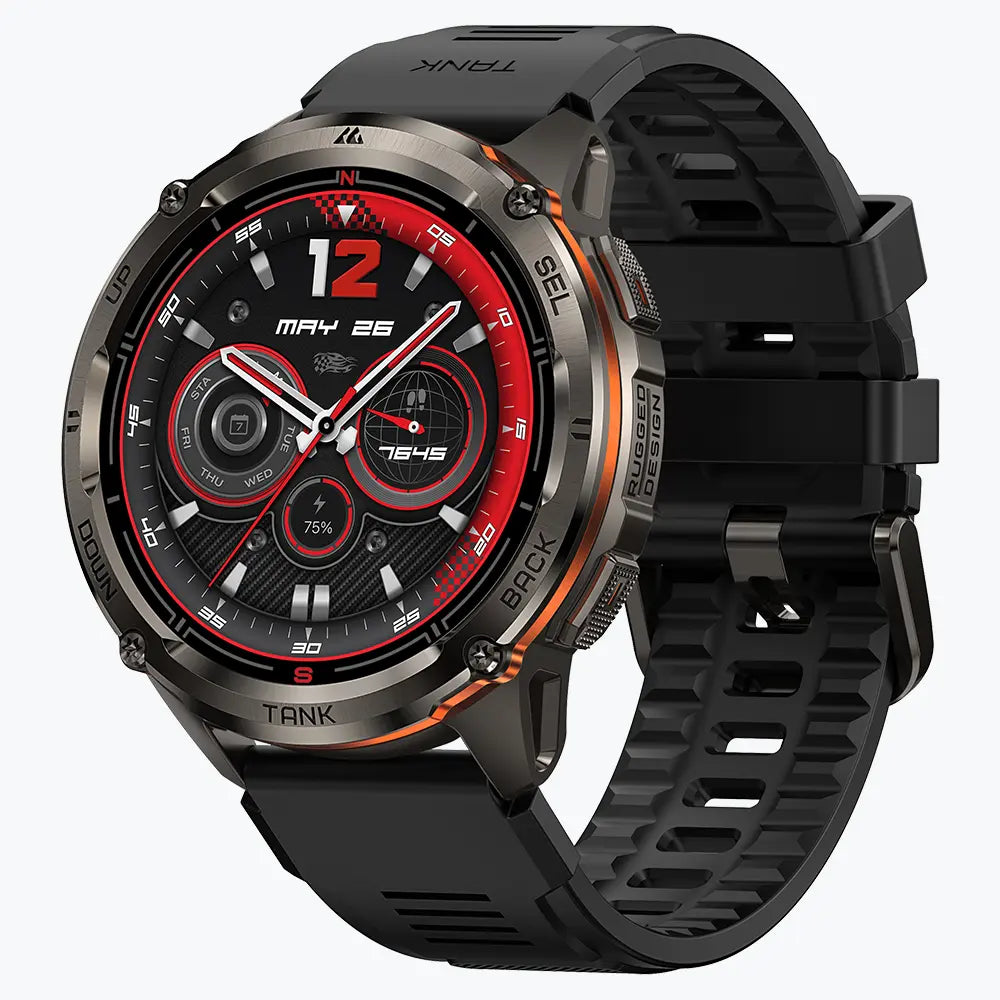
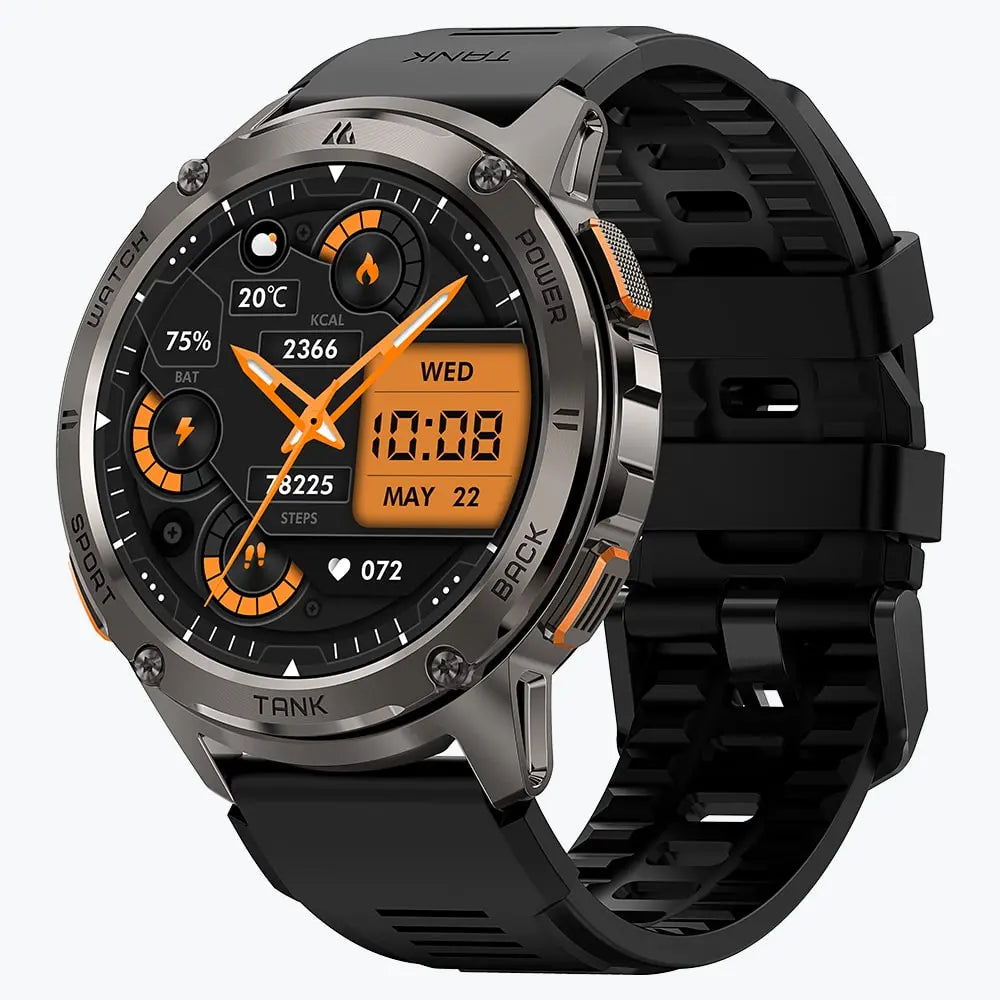
Die KOSPET TANK T4 passt gut zu Wanderern, die Outdoor-Tools ohne ständige Handy-Ablenkung wollen. Sie ist nicht dafür gemacht, wie ein weiteres Handy am Handgelenk zu wirken. Sie eignet sich besser für Nutzer, denen GPS-Tracking, Karten, Höhenlage, Richtung, Akkulaufzeit und robuste Haltbarkeit bei Outdoor-Touren wichtiger sind.
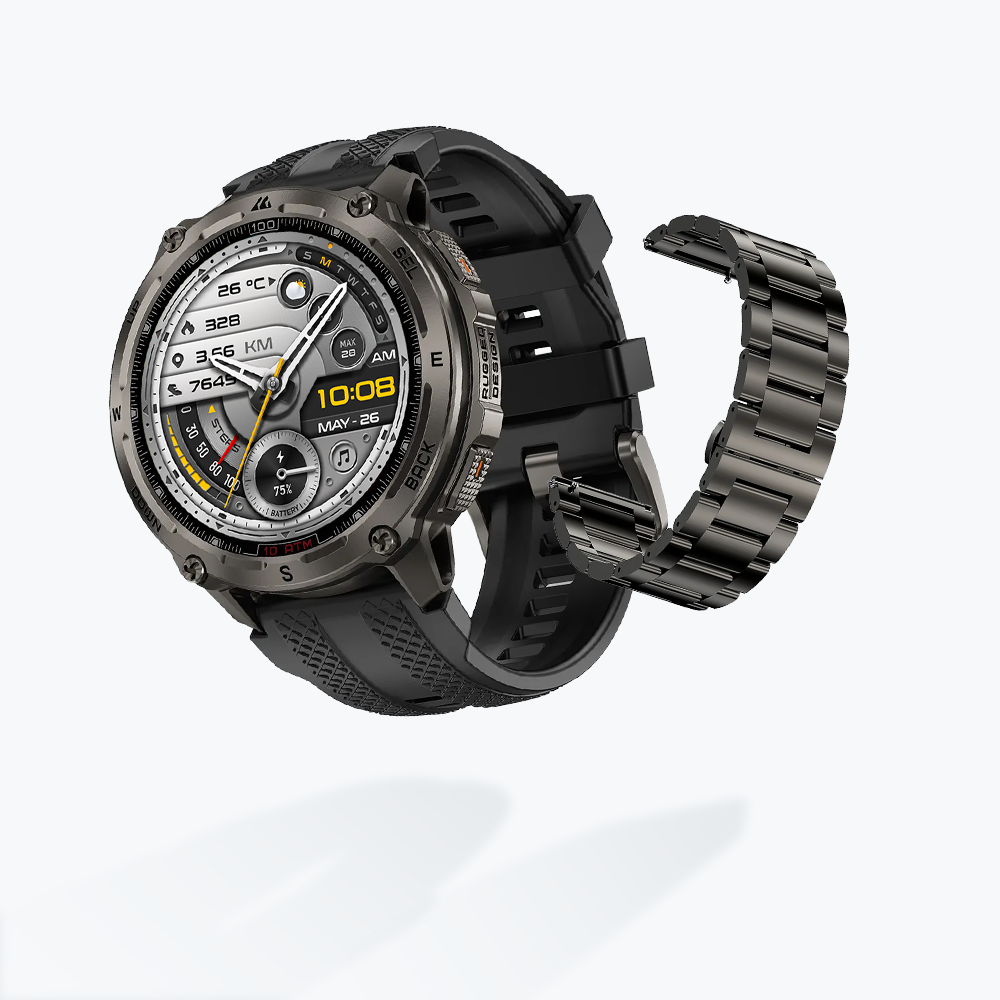
KOSPET TANK T4 Special Edition Smartwatch
219,99 €EUR
Wichtige Funktionen fürs Wandern:
- Dualband-GNSS für zuverlässigeres Outdoor-Tracking auf Trails, offenen Routen und in bewaldeten Gebieten.
- Offline-Karten und Routenunterstützung zum Folgen geplanter Routen, wenn das Handysignal schwach oder nicht verfügbar ist.
- Routenimport per GPX/KML-Dateien für Nutzer, die Wanderrouten vor der Tour planen.
- Kompass und barometrischer Höhenmesser für Richtungsprüfungen, Höhenänderungen und Druckbewusstsein.
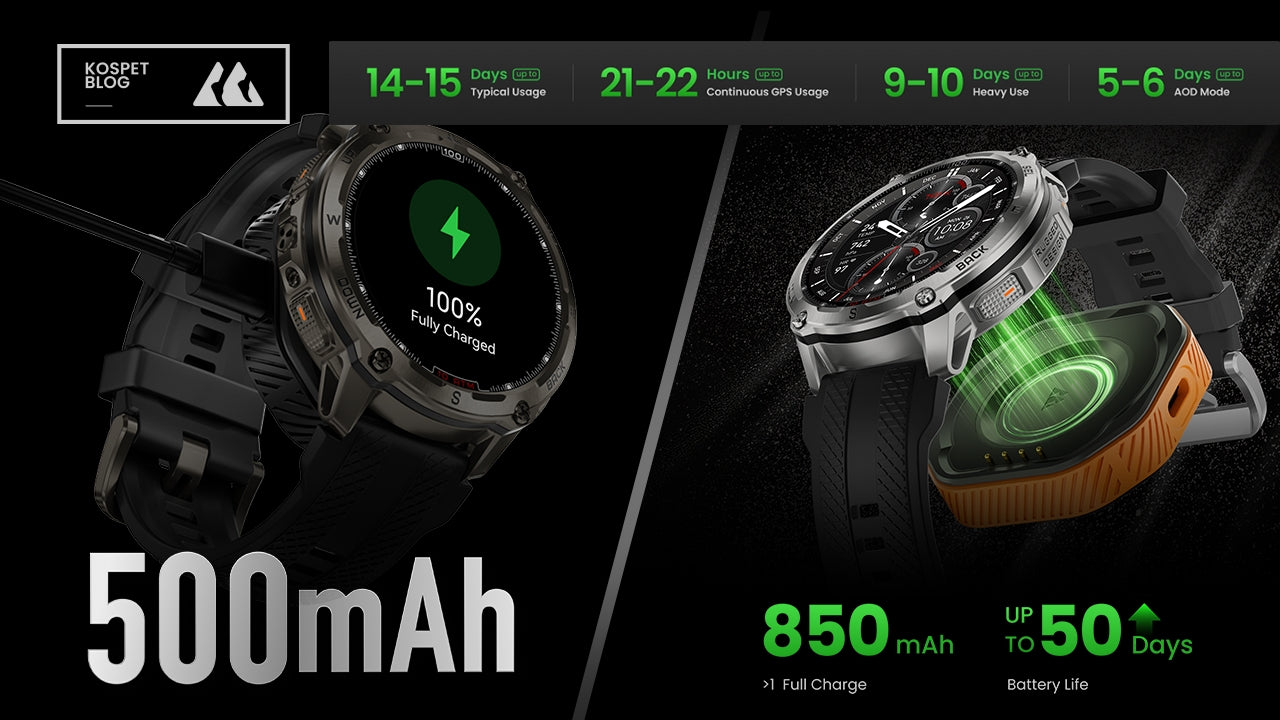
- Bis zu 14–15 Tage bei typischer Nutzung und 21–22 Stunden kontinuierliche GPS-Nutzung für längere Outdoor-Einsätze.
Fazit
Eine Wanderuhr muss sich nicht wie ein weiteres Handy verhalten, um nützlich zu sein. Für viele Wanderer ist das beste Setup, Navigation und Outdoor-Tools eingeschaltet zu lassen und gleichzeitig Handy-ähnliche Benachrichtigungen auszuschalten.
Anrufe, Nachrichten und App-Benachrichtigungen können im Alltag hilfreich sein. Auf dem Trail sind sie oft weniger wichtig als Routen-Tracking, Höhendaten, Kompassprüfungen, Offline-Karten, Wetterbewusstsein, Robustheit und Akkulaufzeit.
FAQ
Kann man eine GPS-Uhr ohne Handy-Benachrichtigungen verwenden?
Ja. Die meisten Outdoor-Uhren erlauben es, Anrufe, Nachrichten und App-Benachrichtigungen auszuschalten, während GPS-Tracking, Routenaufzeichnung, Kompass, Höhenmesser, Barometer und Trainingsdaten aktiv bleiben.
Stoppt das Ausschalten von Benachrichtigungen das Wandern-Tracking?
Nein. Das Ausschalten von Handy-Benachrichtigungen stoppt in der Regel nicht das Wandern-Tracking. GPS, Distanz, Höhenmeter, Kompass und Routenaufzeichnung können je nach Uhrenmodell weiterhin funktionieren.
Ist eine robuste Smartwatch fürs Wandern besser als eine Fitness-Smartwatch?
Eine robuste Smartwatch ist in der Regel besser für schwierige Trails, lange Wanderungen, Regen, Staub, Stöße und Outdoor-Navigation. Eine Fitness-Smartwatch ist besser für tägliches Gesundheitstracking, Fitnessstudio-Workouts, Laufen auf der Straße und vernetztes Handy-Nutzen.
Was sollte ich vor einer Backcountry-Wanderung ausschalten?
Schalte Anrufe, Nachrichten, E-Mail-Benachrichtigungen, Social-Media-Benachrichtigungen, App-Benachrichtigungen von Shopping-Apps und unnötige Erinnerungen aus. Bei längeren Wanderungen solltest du außerdem erwägen, das Always-on-Display auszuschalten, um Akku zu sparen.
Welche Funktionen sind für eine Wanderuhr am wichtigsten?
Die nützlichsten Funktionen sind GPS-Tracking, Offline-Karten, Routennavigation, Kompass, Höhenmesser, Barometer, lange Akkulaufzeit, Wasserfestigkeit, Staubresistenz, robuste Bauweise und einfache Benachrichtigungssteuerung.




Einen Kommentar hinterlassen
Diese Website ist durch hCaptcha geschützt und es gelten die allgemeinen Geschäftsbedingungen und Datenschutzbestimmungen von hCaptcha.