

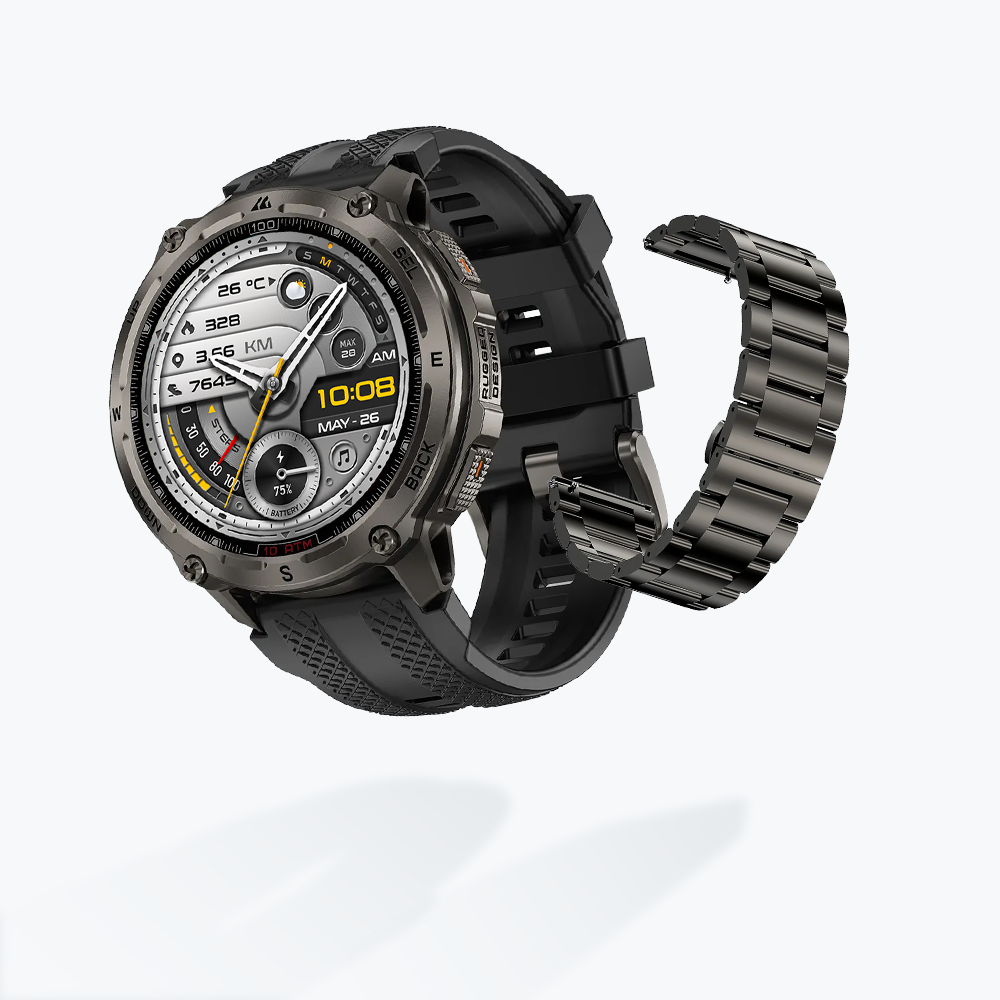
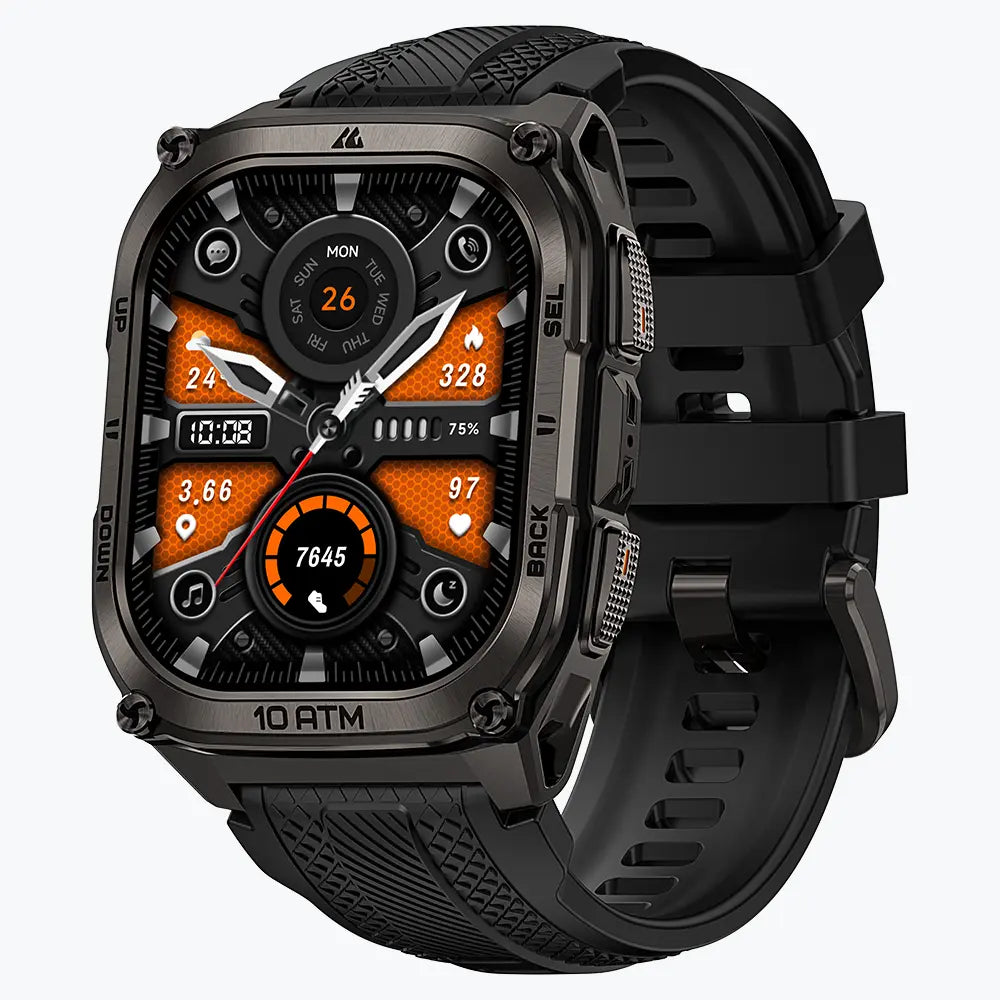

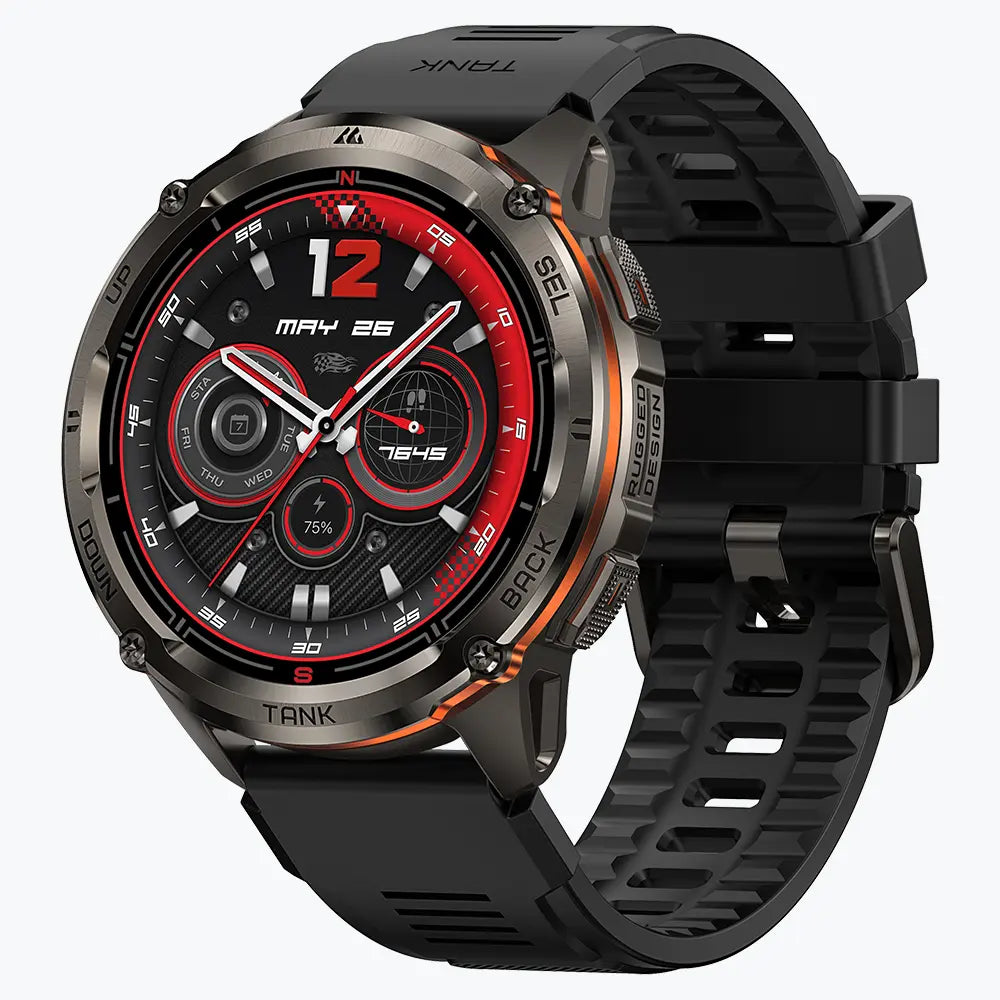
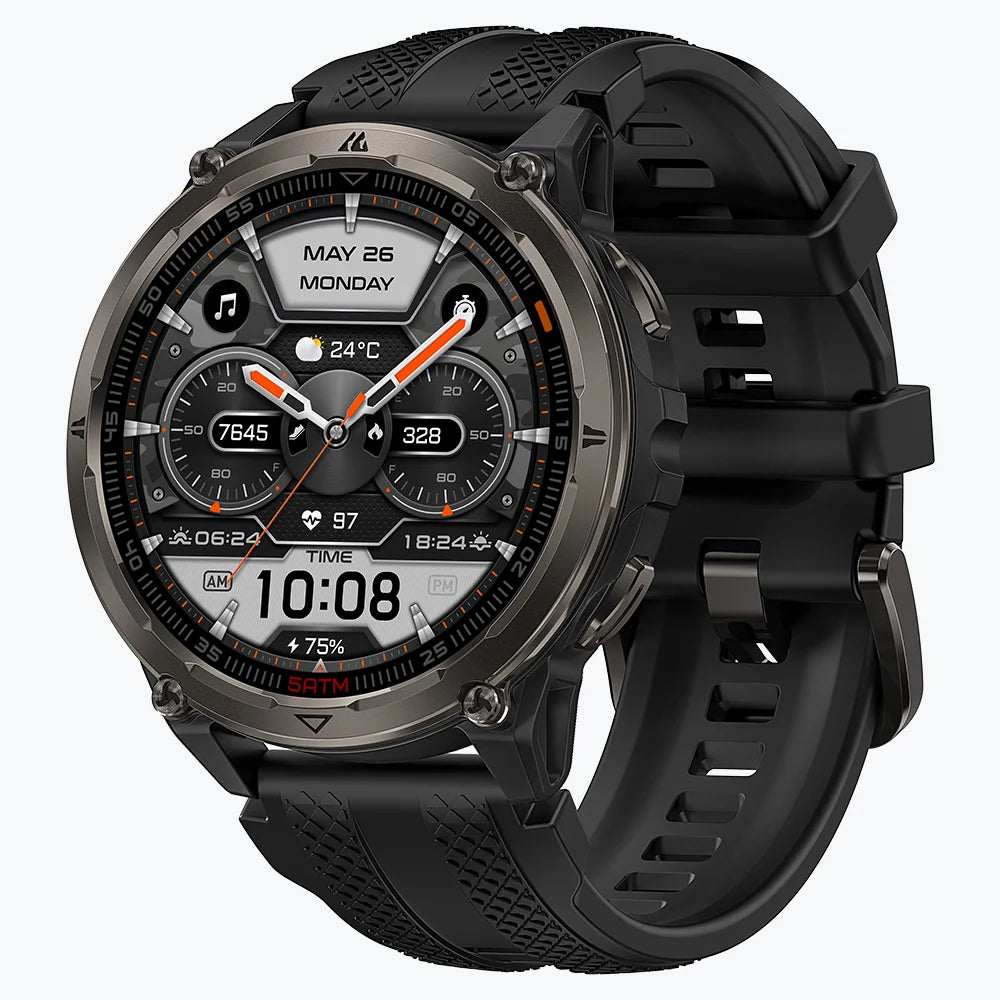

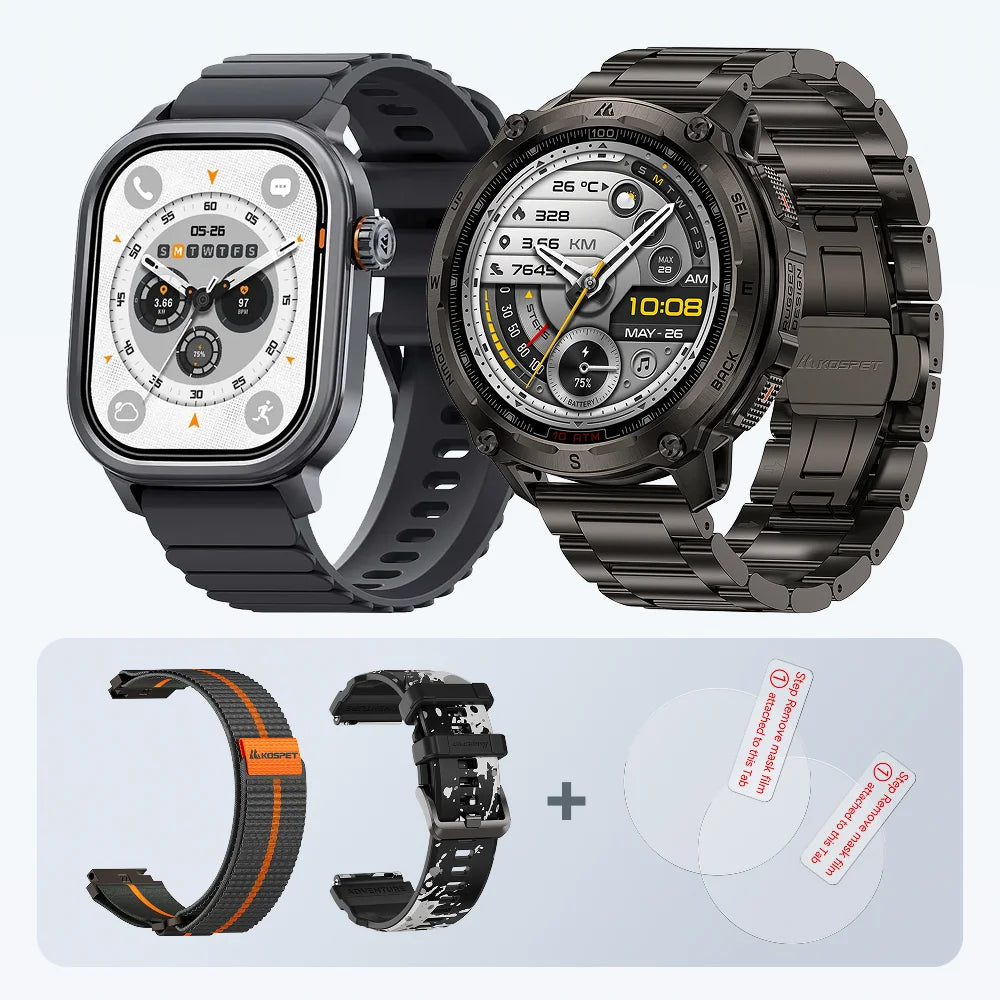
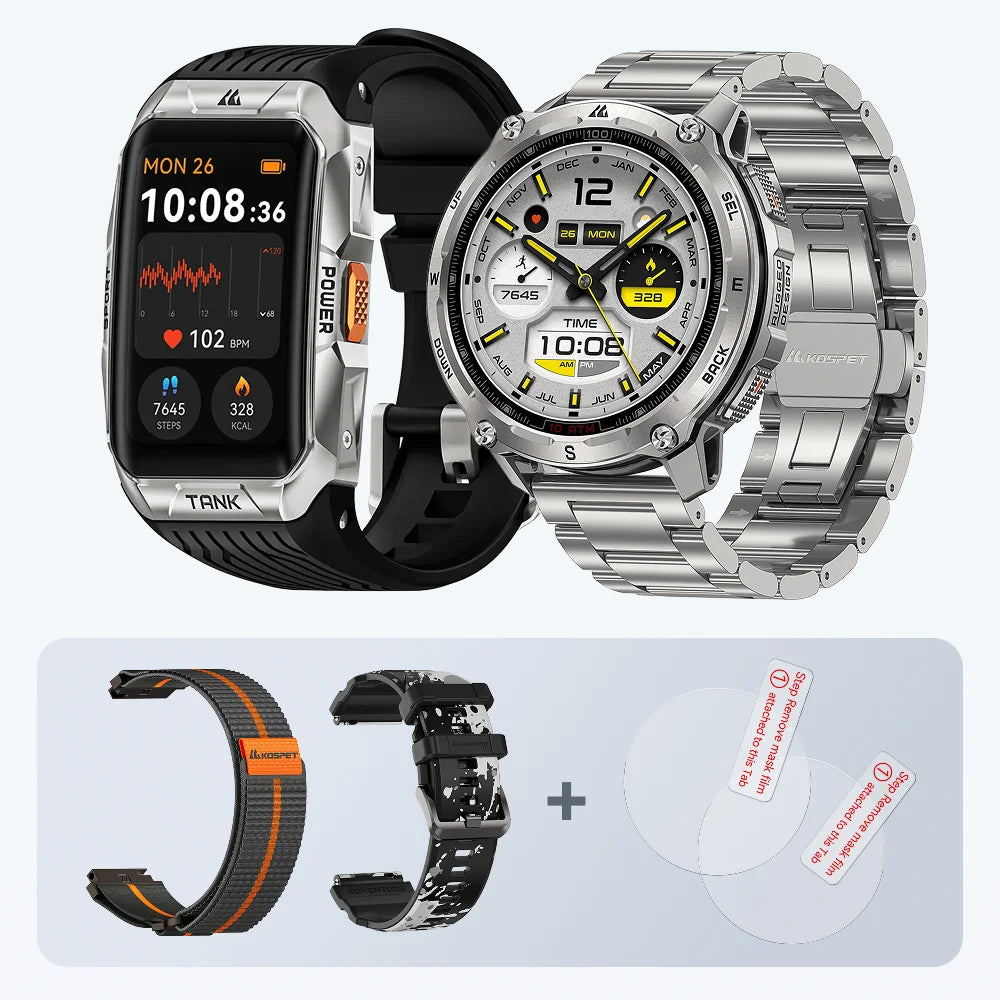
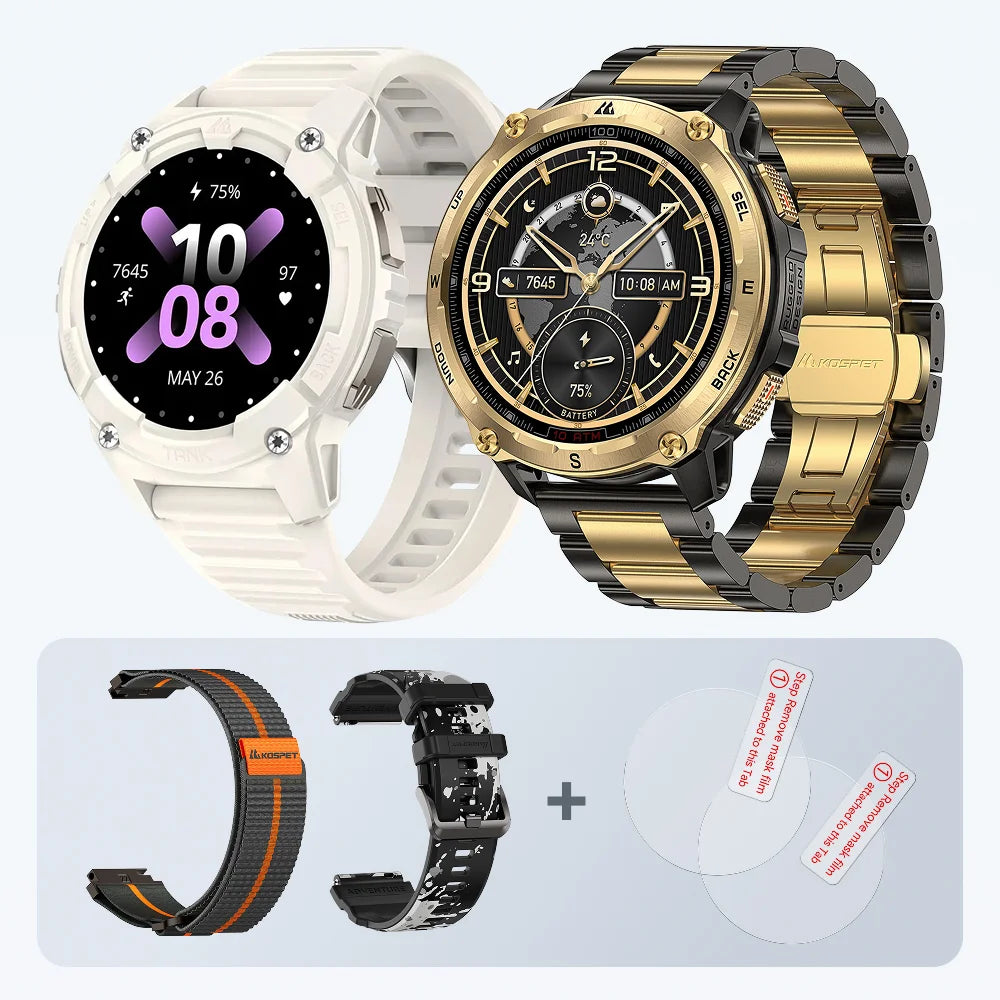
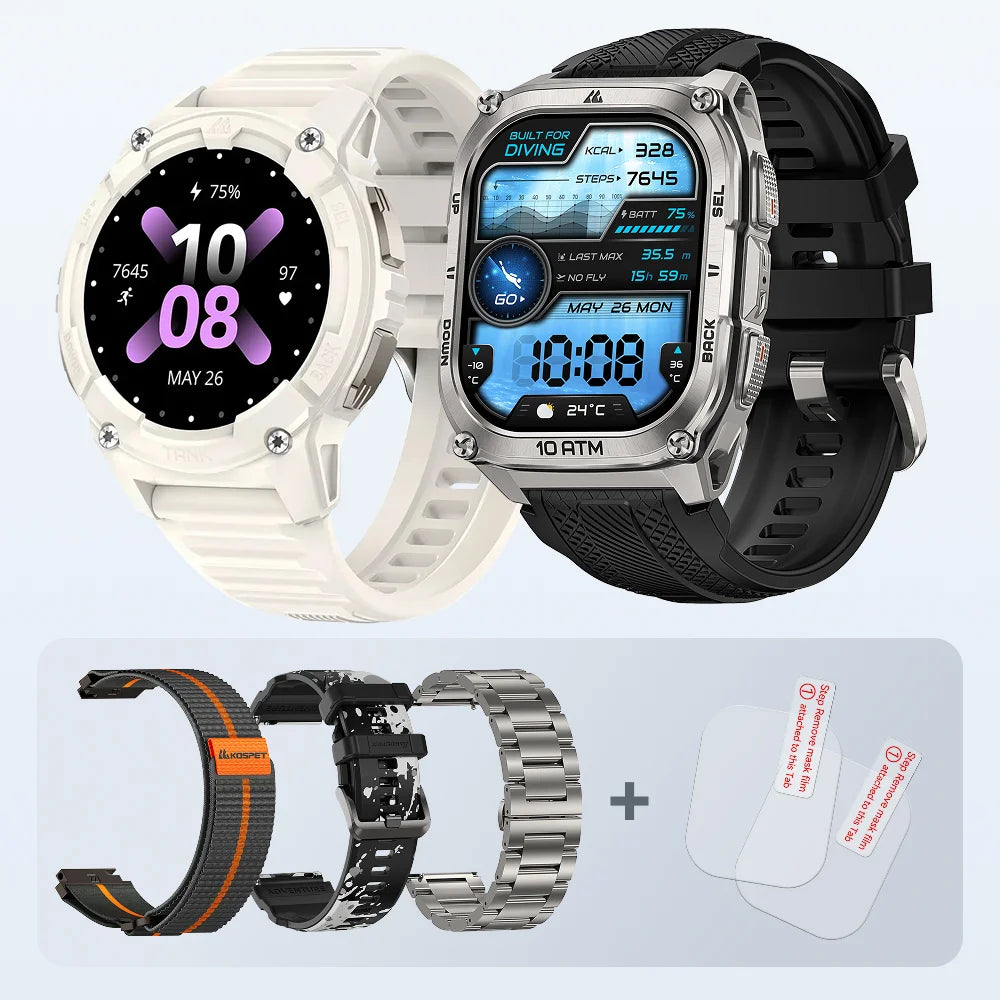
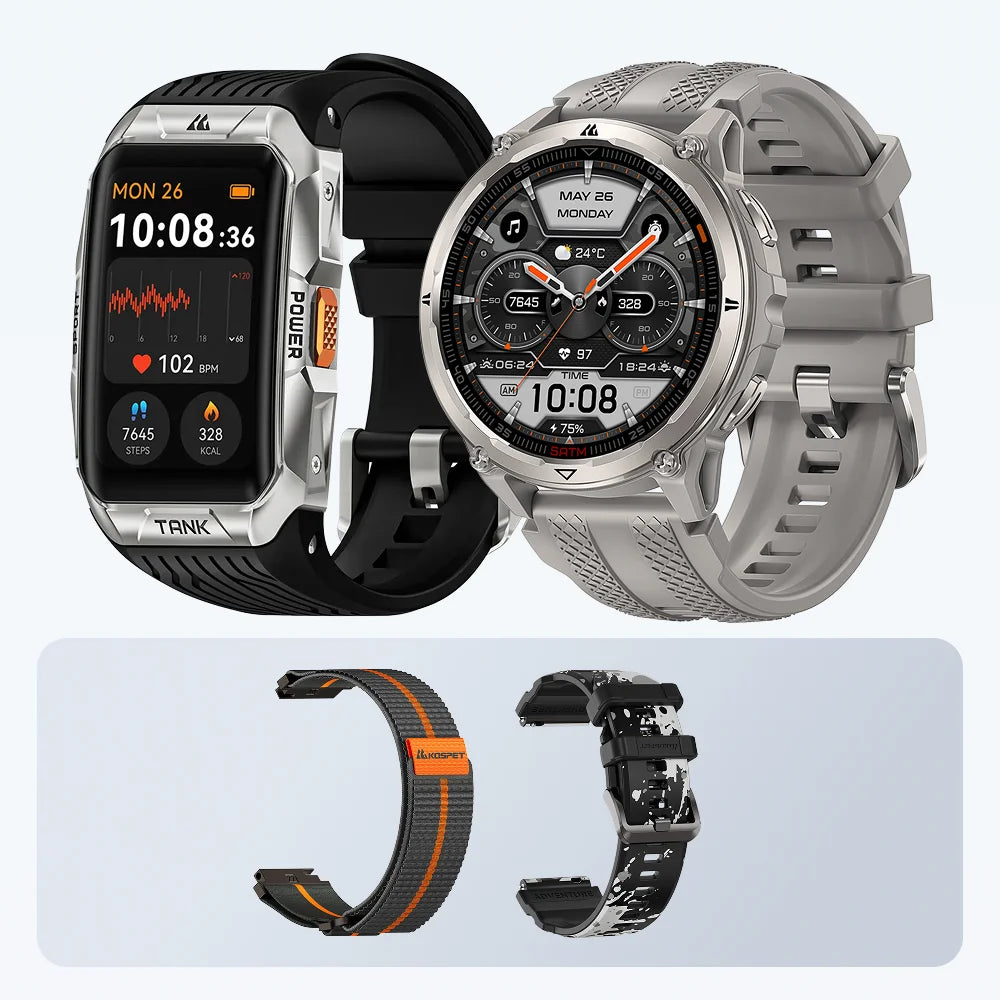
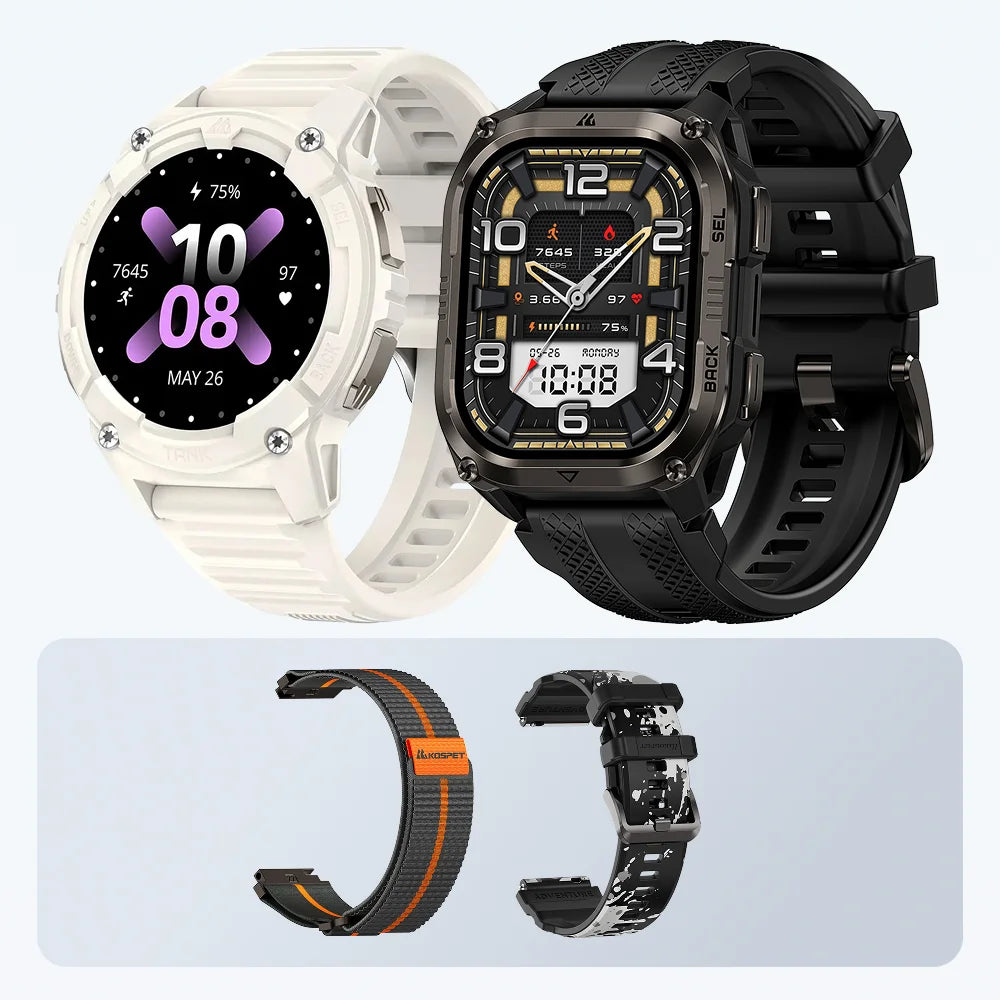
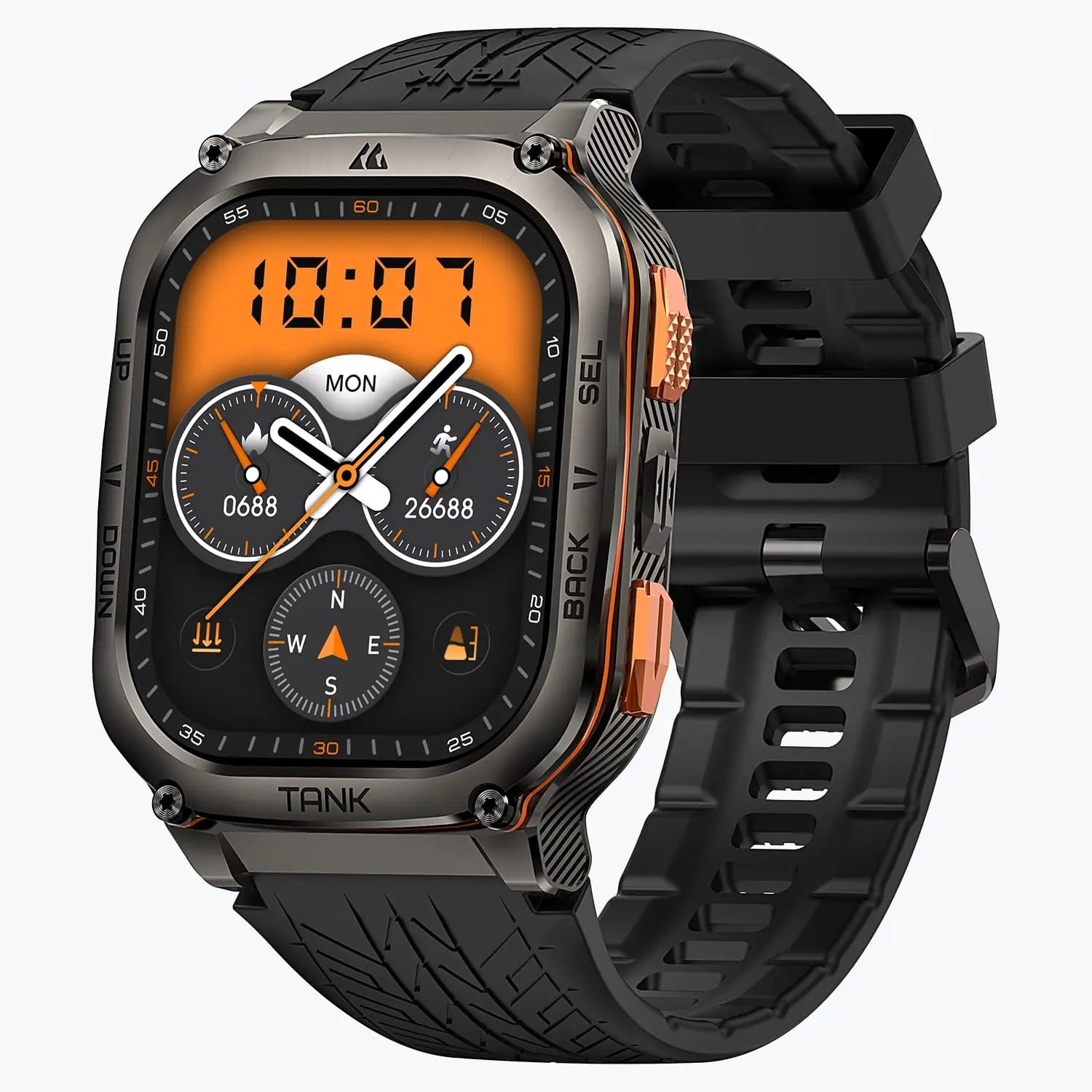
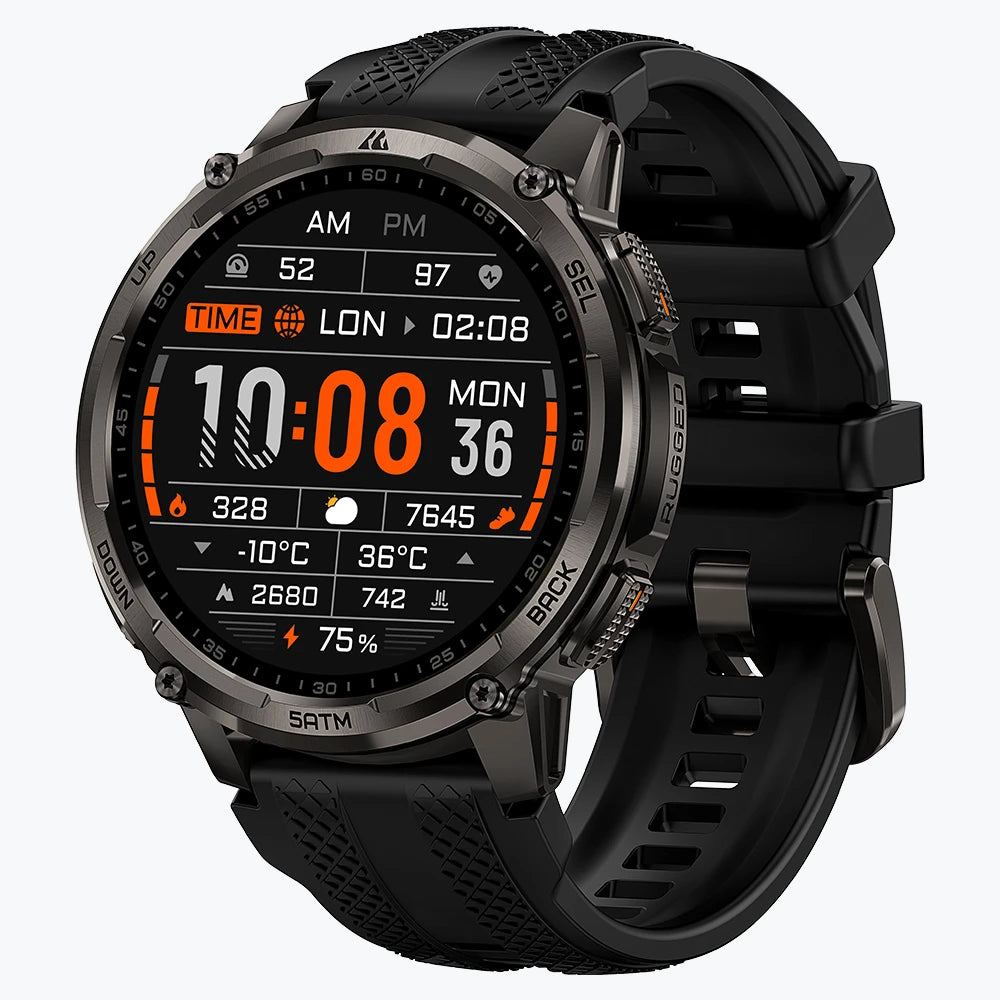
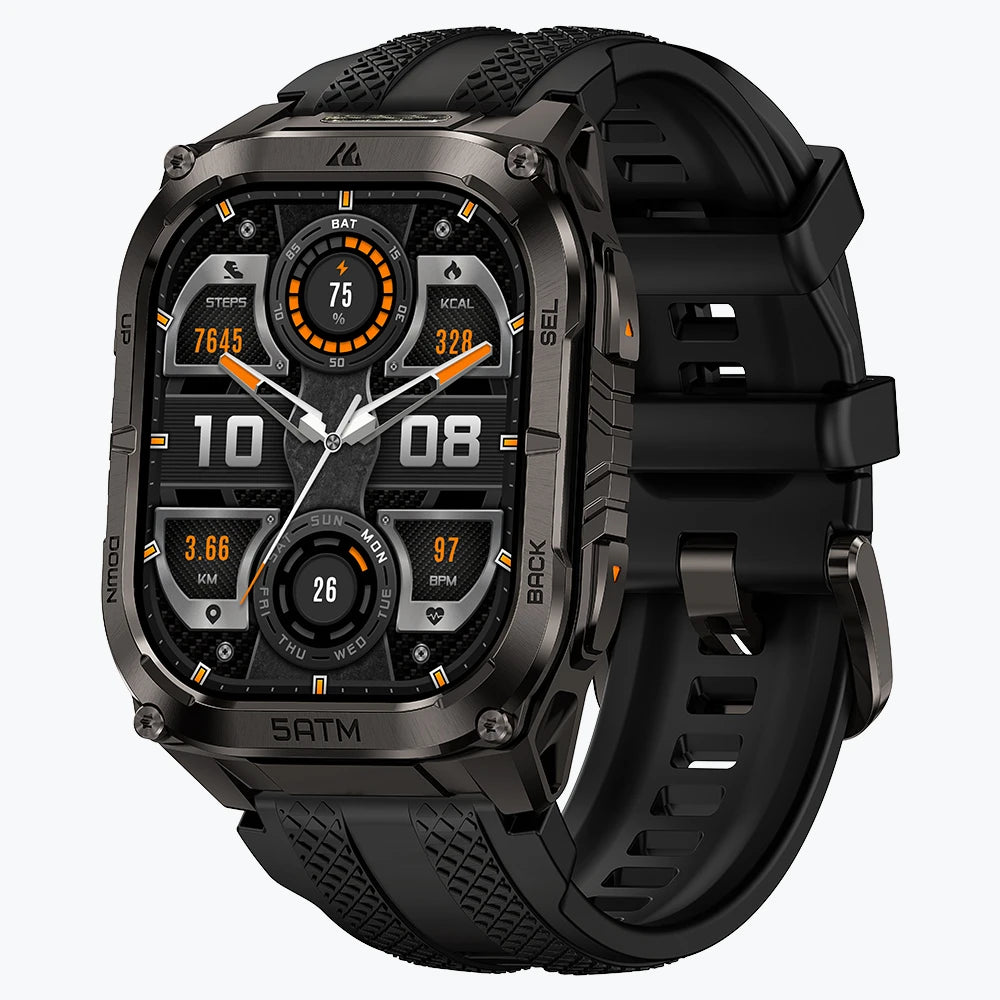
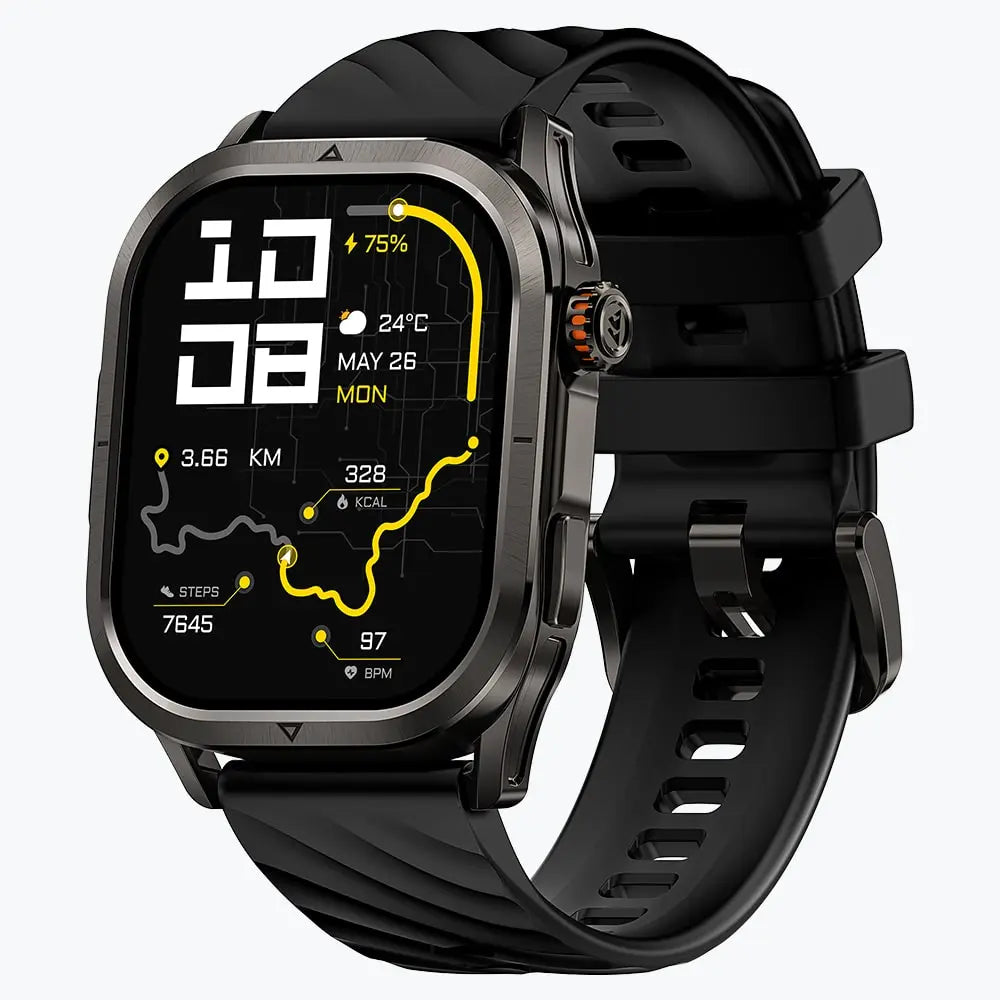


KOSPET smartwatches are fully compatible with modern Android and iOS operating systems to ensure every user enjoys a seamless and connected experience. This universal support means your choice of smartphone never limits your ability to use a high quality rugged smartwatch.
Whether you carry an Apple iPhone or a Samsung Galaxy, the KOSPET hardware communicates effectively with your mobile device. Choosing this wearable technology allows you to track your health and stay connected without worrying about software conflicts.

System Requirements for Your Phone
Modern smartphones must meet specific software standards to run the latest KOSPET applications effectively. These requirements ensure that the watch can use advanced security features and fast data transfer protocols. Using a phone with updated software provides the smoothest performance for high resolution mapping and real time alerts.
| Device Type | Minimum Software Version (2026 Standard) |
|---|---|
| Android Phones | Android 9.0 or later |
| Apple iPhones | iOS 14.0 or later |
Checking your current software version in the settings menu of your smartphone ensures that the mobile app installs correctly. Broad compatibility covers millions of mobile devices across many different global brands.
The APEXMOVE App: Your Digital Hub
The APEXMOVE application serves as the essential digital bridge between your smartphone and your wearable hardware. This official app is the only way to sync your daily steps, heart rate data, and sleep patterns to a larger screen. You can download this tool for free from the Google Play Store or the Apple App Store.
APEXMOVE handles every critical task from changing your watch face to updating the internal software of the device. The app organizes your health statistics into easy to read charts so you can see your progress over time.
Running this specific application is mandatory to unlock the full potential of your smart assistant. Without APEXMOVE, the watch remains a standalone timepiece with limited features.
Step-by-Step Connection Guide
Successful pairing happens directly through the APEXMOVE application settings to ensure a secure and stable link. Following the correct order prevents common connection errors and ensures your data stays private.
- Enable Bluetooth: Turn on the Bluetooth feature in your phone settings first.
- Launch APEXMOVE: Open the APEXMOVE app on your mobile device and create an account.
- Search for Device: Select the device tab and tap the option to add a new watch.
- Confirm Pairing: Tap your specific KOSPET model name when it appears on the scanning list.
- Grant Permissions: Accept every pop-up request for notifications and location services.
Accepting these permissions allows the watch to show your message alerts throughout the day. This process creates a permanent and reliable bond between your wrist and your phone.
Feature Performance on Both Systems
Core health tracking and communication features work with identical accuracy on both phone platforms. KOSPET designs its software to be neutral so that every user enjoys the same powerful tools regardless of their phone brand.
- Heart Rate Monitoring: Sensors on the back of the watch measure your pulse every minute.
- Sleep Tracking: The watch records your deep sleep and light sleep patterns automatically.
- Message Alerts: You will receive incoming call and text alerts on your wrist instantly.
- Media Control: Users can change music tracks and adjust volume directly from the watch screen.
- Weather Updates: Real time weather information appears on the watch face after every sync.
This consistency makes it easy for you to switch phone brands in the future without needing a new smartwatch. Your health history remains safe and accessible within your personal APEXMOVE profile.
Minor Differences in Notifications
Small variations in how alerts appear depend on the specific privacy rules of the mobile operating system. These differences do not change the overall utility or performance of the KOSPET device.
Android users often have more control over which specific apps send alerts to the watch. You can choose to receive alerts from social media but block alerts from your work email inside the app settings. iPhone users benefit from a simple setup where the watch mirrors the notification settings of the phone automatically. Both systems provide a gentle vibration on your wrist to ensure you never miss an important update.
Troubleshooting and Battery Maintenance
Restarting your Bluetooth connection is the most effective way to solve minor syncing issues quickly. Digital connections sometimes become confused when too many wireless devices are nearby. Turning your phone Bluetooth off and then back on usually fixes the problem in a few seconds.
Maintaining a strong connection involves keeping the APEXMOVE app active in the background of your smartphone at all times. Smartphone systems sometimes try to close background apps to save battery life, which can cause the watch to disconnect. You must adjust your phone settings to allow the APEXMOVE app to run without restrictions. Regular syncing ensures that your health data is always backed up and ready for you to review.
Conclusion
Choosing a KOSPET smartwatch gives you a versatile tool that remains compatible even when you change your phone brand. The commitment to supporting both Android and iOS makes these watches a smart investment for your fitness journey. You get a durable device that tracks your health and keeps you connected to your world with ease. By following the simple setup steps and keeping your software current, you will enjoy a powerful fitness companion every day.
FAQ
Can I use a KOSPET watch with an iPad?
You can connect to an iPad as long as it runs iOS 14.0 or later and has the APEXMOVE app installed.
Is there a subscription fee for APEXMOVE?
The APEXMOVE application is completely free to download and use for all KOSPET owners.
Will I lose my data if I upgrade my phone?
Your health history stays saved within your personal APEXMOVE account and will appear on your new phone after you log in.





Leave a comment
This site is protected by hCaptcha and the hCaptcha Privacy Policy and Terms of Service apply.