



Always-On Display will not ruin a long battery life smartwatch, but it can change the battery life you actually get.

This is where many users get stuck.
They do not want a full “phone on the wrist.” They just want a smartwatch that does a few simple things well: show the time all day, wake them up in the morning, and send message alerts when something comes in.
That sounds simple. But many smartwatches still need charging every 1–2 days when the display stays on. For someone looking for a long battery life smartwatch, that feels like the same problem with a nicer screen.
So the real question is not whether Always-On Display is useful. It is useful. The real question is whether the watch still feels low-maintenance after AOD is turned on.
Long Battery Life Claims Do Not Always Mean Long AOD Use
The battery number on the product page may not be the battery number you get with AOD on.
A smartwatch can claim 7 days, 15 days, or even longer battery life. That number may be true under normal use. But normal use does not always mean the screen stays visible all day.
For AOD users, this difference matters more than the biggest number on the page.
Typical Battery Life vs AOD Battery Life
Typical battery life usually means mixed daily use. The watch may receive notifications, track health data, wake the screen when needed, and stay connected to the phone.
That is useful information, but it does not answer the AOD question.
When AOD is on, the watch is no longer waiting for you to raise your wrist. The screen remains visible for much longer periods. That changes the baseline power use.
This is why a 15-day battery claim should not be read as 15 days with AOD. It may still be a strong long battery smartwatch, but AOD needs its own expectation.
Why AOD Battery Needs Separate Proof
Major smartwatch brands also treat AOD as a battery-related setting, not just a display style.
Samsung says in its Galaxy Watch battery runtime guide that turning off Always On Display can save battery because the watch keeps showing the clock when the screen is off.
Apple also connects Always On with battery management. In its Apple Watch battery guide, Apple explains that Low Power Mode disables the Always On display, and users can also turn Always On off separately in Display & Brightness settings.
Google makes the difference even clearer. In its Pixel Watch battery guide, Google lists battery life with Always-on Display turned on as a specific condition for Pixel Watch models.
That is the point users should take away: AOD is not a tiny detail hidden inside the word “battery life.” It is a real usage condition. When the screen stays visible all day, the battery claim needs to be read differently.
Standby Time Is Not the Same Thing
Standby time can look impressive, but it does not answer this buying concern.
Standby usually means the watch is doing very little. It may not show the screen all day. It may not track health data in the same way. It may also reduce smart features to stretch the battery number.
That is not how AOD users plan to wear the watch.
They want the watch to stay active enough to show the time, send alerts, run alarms, and stay useful through the day. A long standby number does not prove that experience.
AOD Battery Life as a Buying Standard
AOD battery life becomes important when AOD is part of the reason you want the watch.
For some users, 1–2 days may be acceptable. They already charge their watch every night and do not mind the routine.
But that is not the same user who searches for a long battery life smartwatch. That user usually wants fewer charging interruptions. They want to wear the watch overnight. They want the alarm to work in the morning. They do not want to check the battery every evening.
| AOD Battery Life | What It Feels Like |
|---|---|
| 1–2 days | Still close to daily charging |
| 3–5 days | More practical for low-maintenance use |
| 5+ days | Better for users who dislike frequent charging |
| Around one week | Closer to a true long battery AOD experience |
This does not mean every users needs the longest AOD battery possible. It means the charging rhythm should match the reason they want a long battery smartwatch in the first place.
Why AOD Changes Real Smartwatch Battery Life
AOD battery life is not only about the display panel.
Many users have the same thought: an OLED or AMOLED screen should be efficient because only a few pixels need to show the time.
That idea is partly right. AMOLED can help. But a smartwatch is not only showing a few pixels. It is also running a system, staying connected, checking sensors, and handling alerts.
Display Technology and Power Use
AMOLED is a good fit for AOD because black pixels can stay off. A simple dark watch face with a small time display can use less power than a bright full-screen layout.
But AMOLED does not guarantee strong AOD battery life by itself.
The watch still has to manage brightness, refresh behavior, sensors, Bluetooth connection, and background activity. That is why two AMOLED watches can feel very different with AOD turned on.
The screen helps, but the whole power system decides the result.
Watch Face Design and Brightness
The watch face matters more than many users expect.
A simple AOD face with only the time is usually easier on the battery. A more complex face can drain more power, especially when it uses large bright areas, many colors, seconds display, moving elements, or several data widgets.
This is where the “just a few lit pixels” idea can break down.
Some AOD designs are minimal. Some are not. A users who wants better AOD battery life should not only ask whether the watch has AOD. They should also look at how simple the AOD face can be.
Notifications, Sensors, and Daily Use
AOD is only one part of the battery picture.
The same watch can last longer or shorter depending on what else is running:
- frequent message alerts
- Bluetooth connection
- heart rate tracking
- sleep tracking
- blood oxygen checks
- Bluetooth calling
- GPS workouts
- high screen brightness
This is why AOD battery life can vary so much in real use. One person may use a simple AOD face with light notifications. Another may use a bright face, frequent alerts, health tracking, and GPS workouts.
Both users have AOD on, but they are not asking the battery to do the same job.
How to Choose a Long Battery Life Smartwatch for AOD
The right watch is not the one with the biggest battery claim. It is the one whose AOD battery life matches your charging tolerance.
This is the point users should settle before comparing models. AOD is not only a display preference. It changes the charging routine.
Battery Claims That Include AOD
A good product should make the battery condition clear.
For AOD-focused users, these details matter most:
- battery life with Always-On Display
- AOD Mode battery life
- typical use battery life
- heavy use battery life
- GPS battery life
- whether AOD is included in the listed battery claim
A page that only says “long battery life” or “standby time” leaves too much unanswered for this kind of users.
The better question is simple: does the battery claim match the way the watch will be worn?
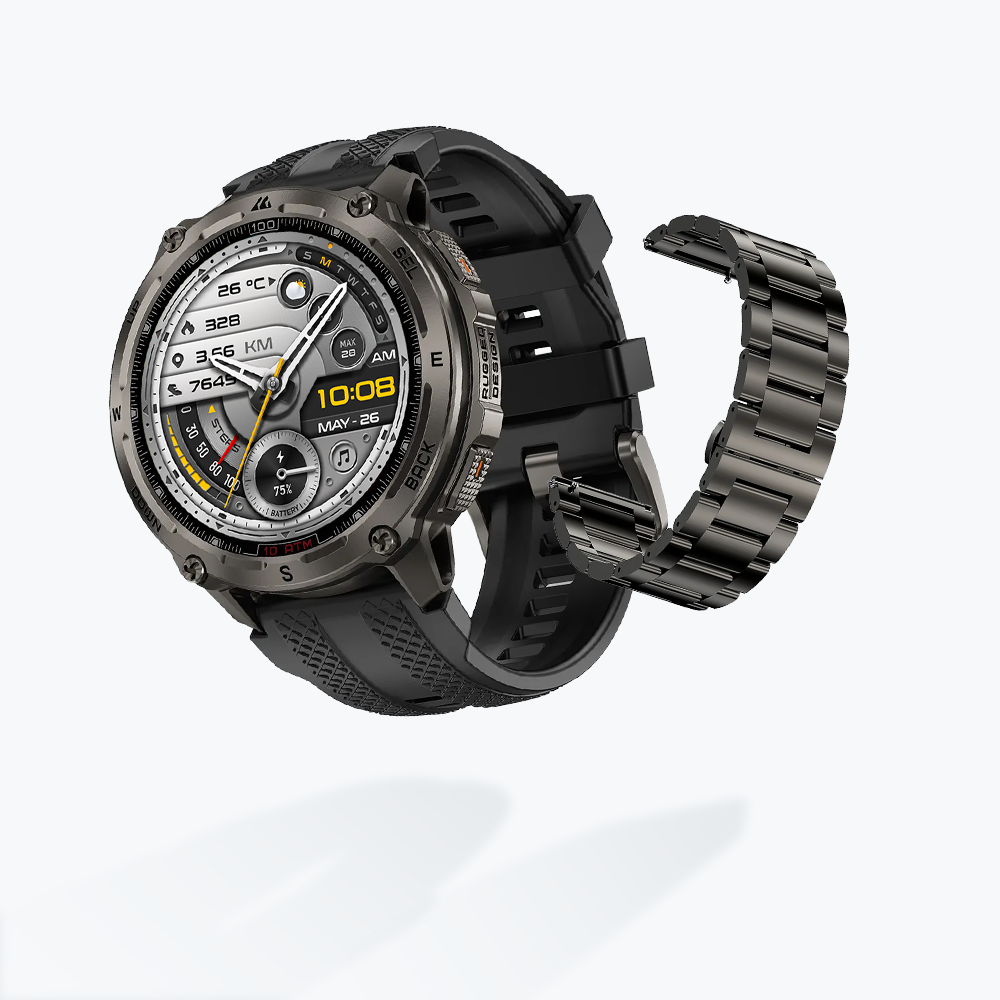
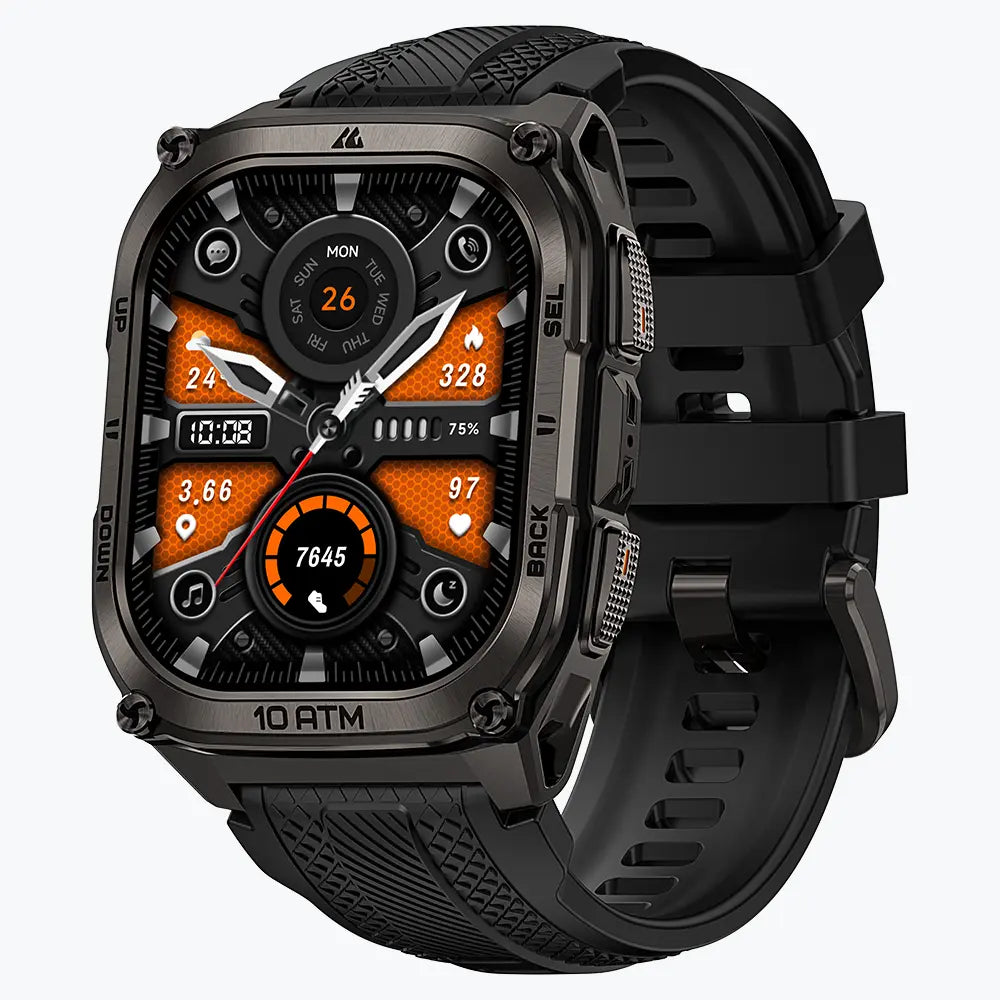
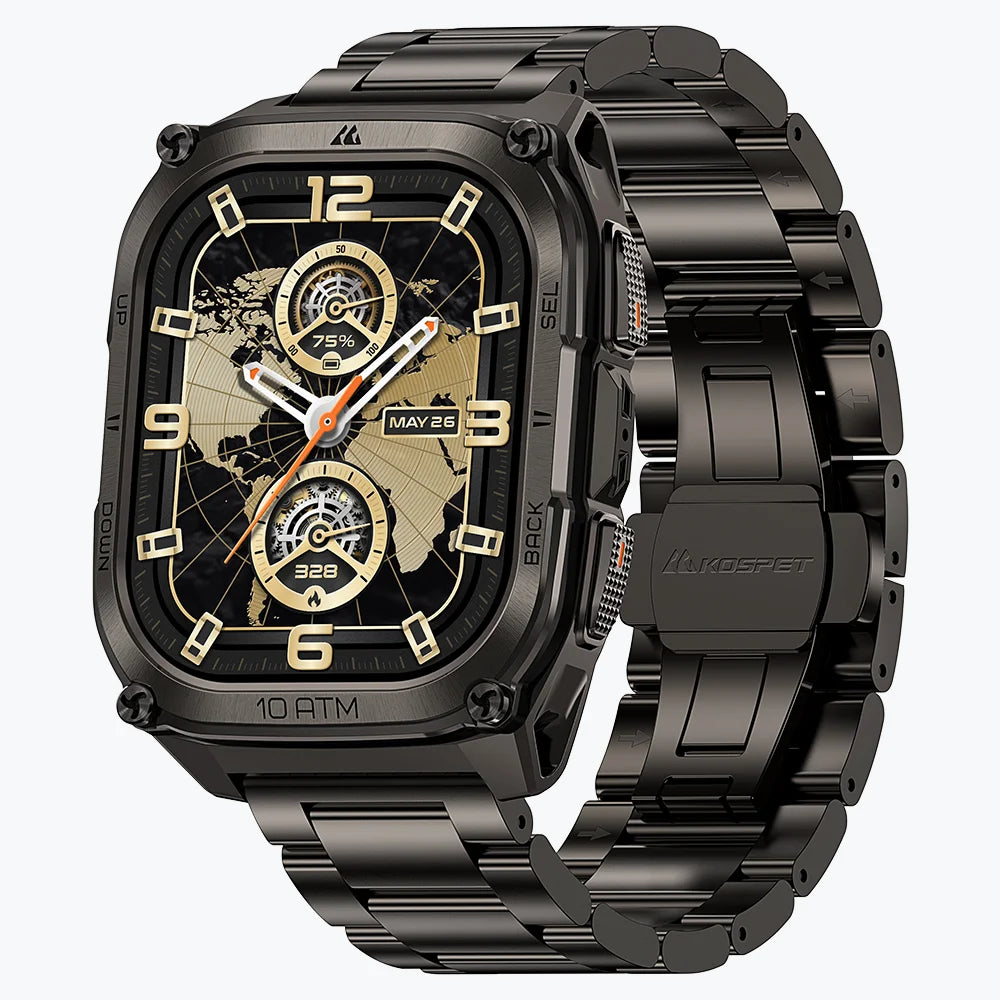
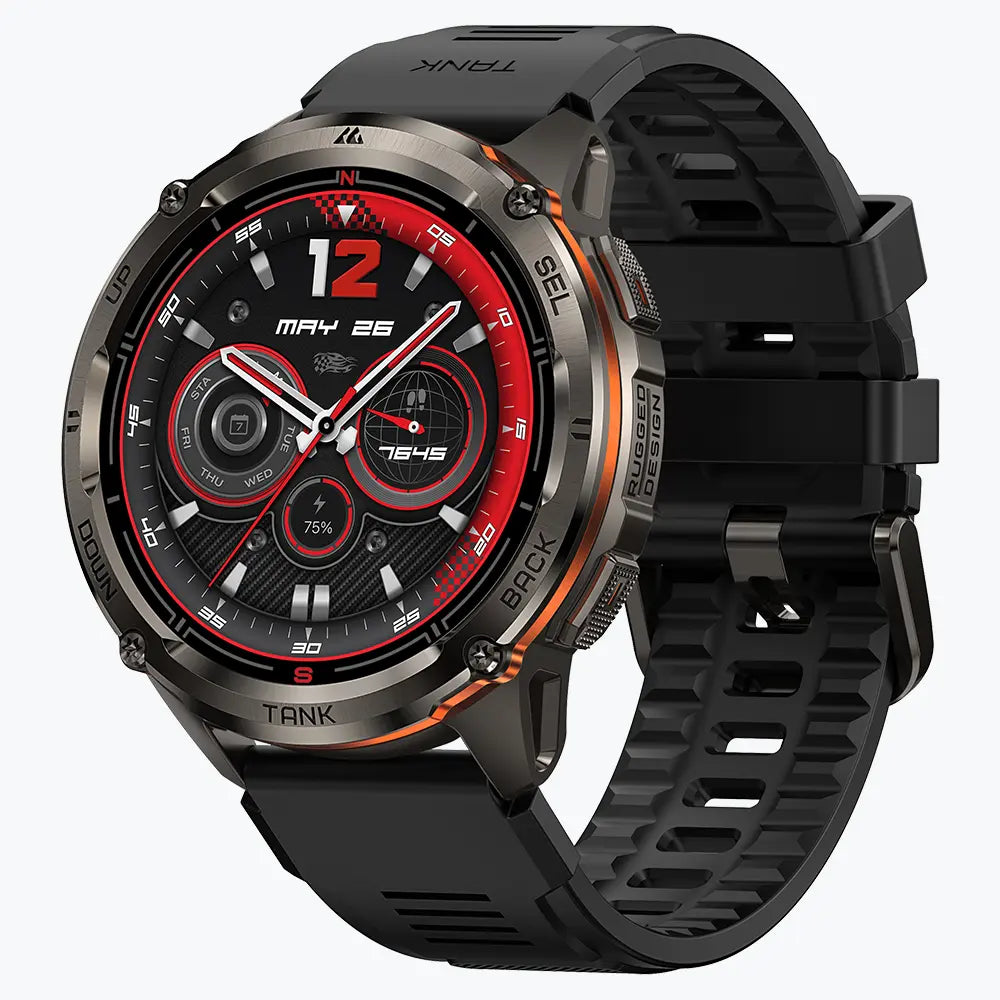
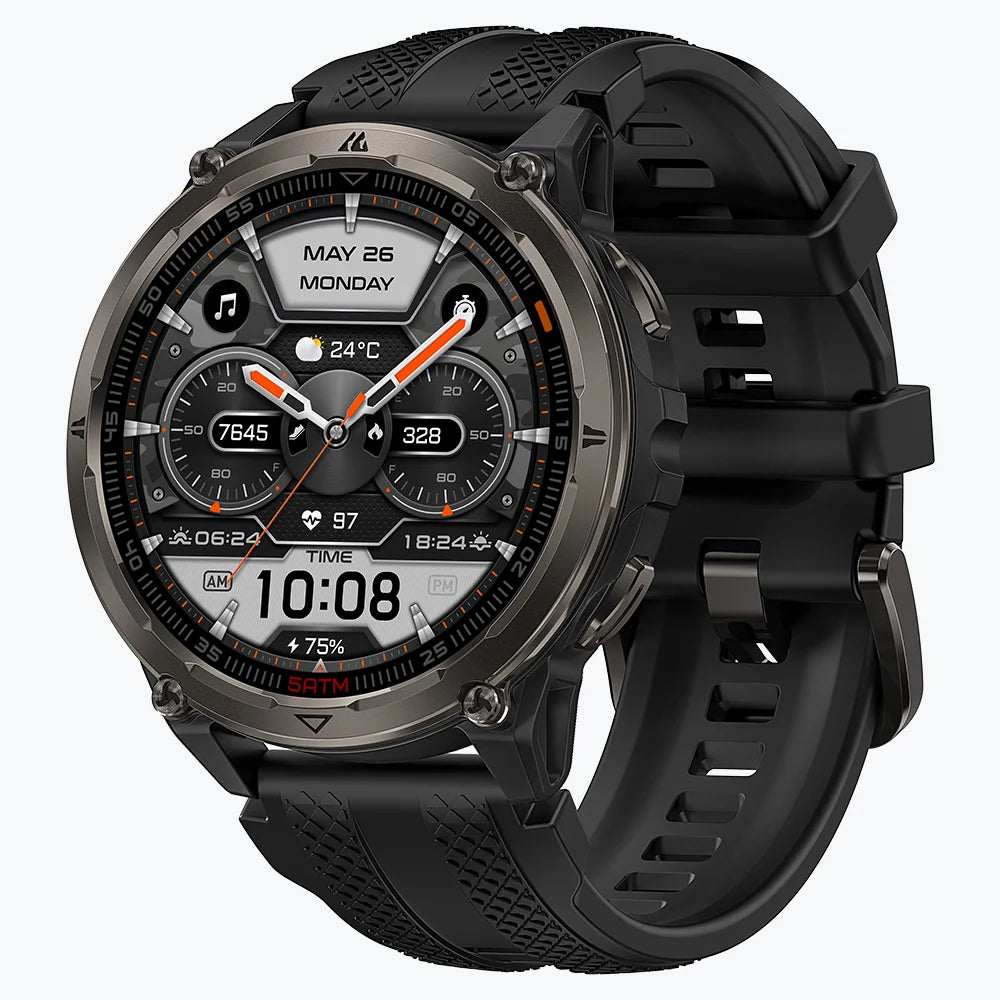
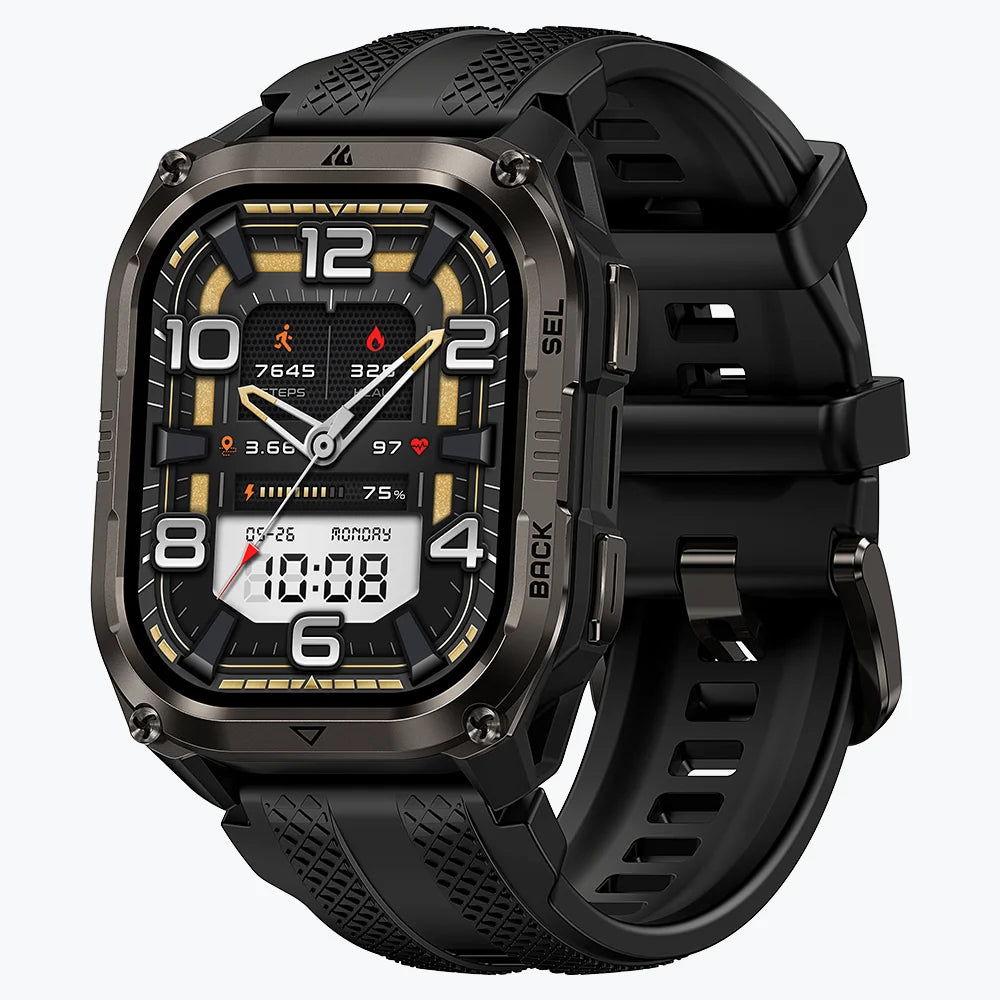
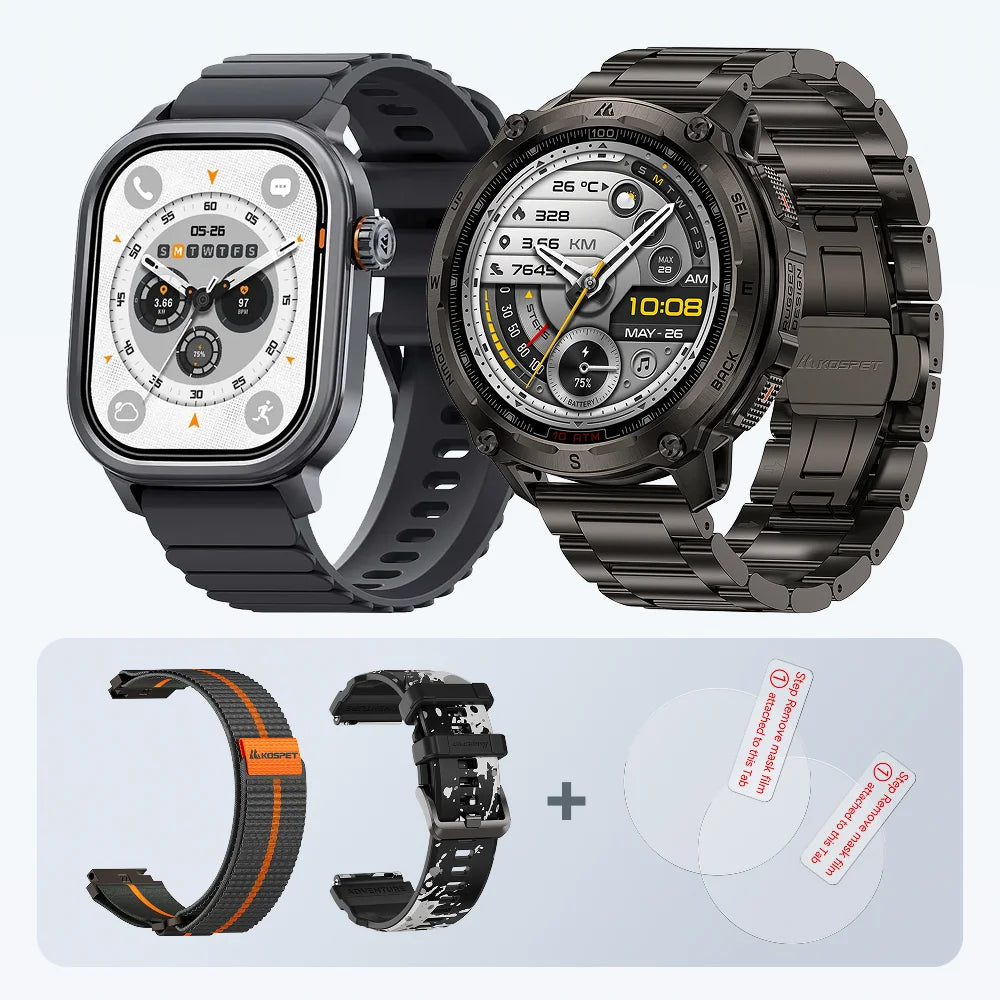
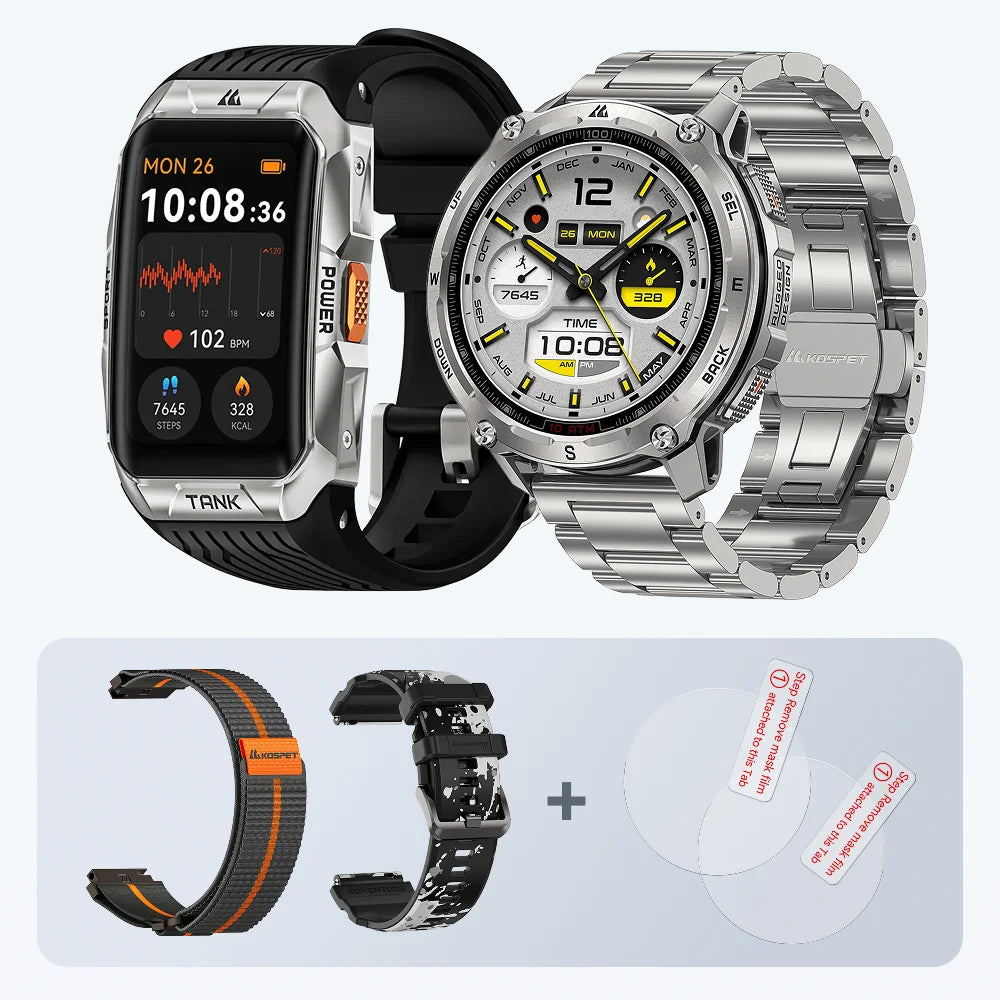
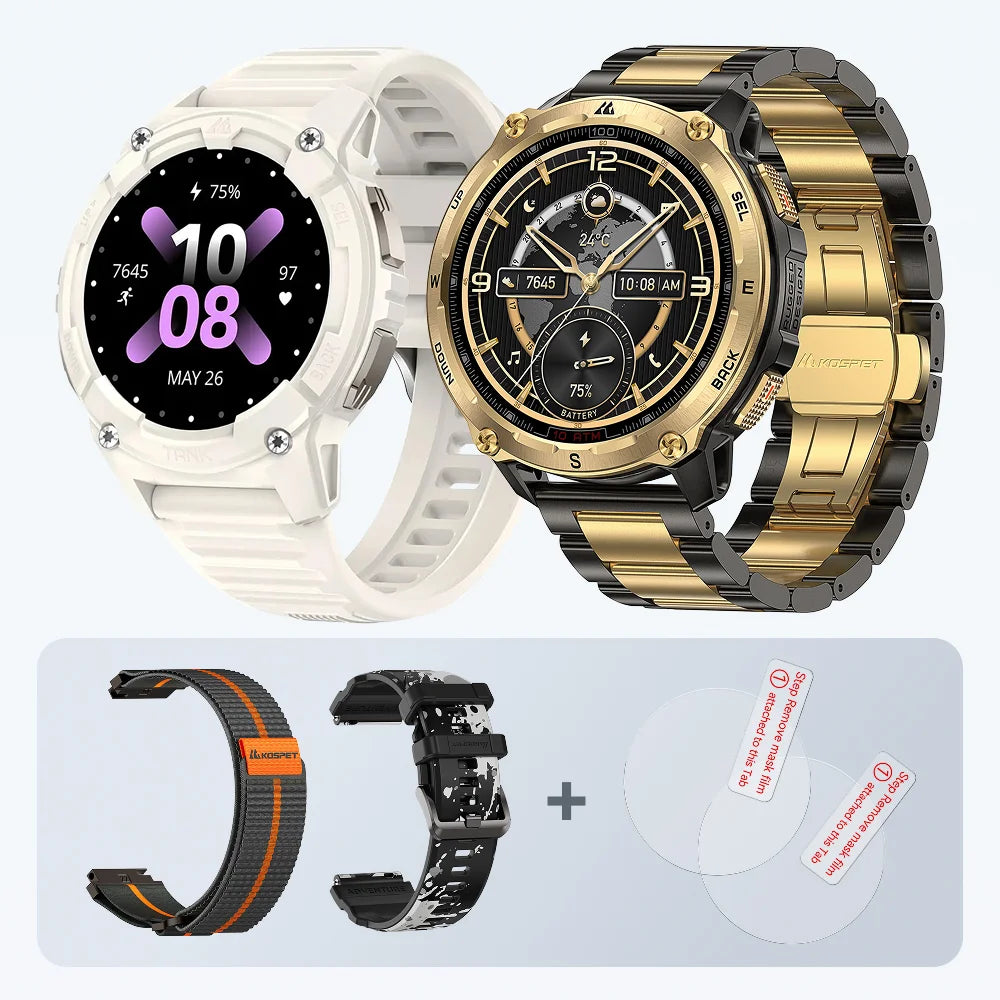
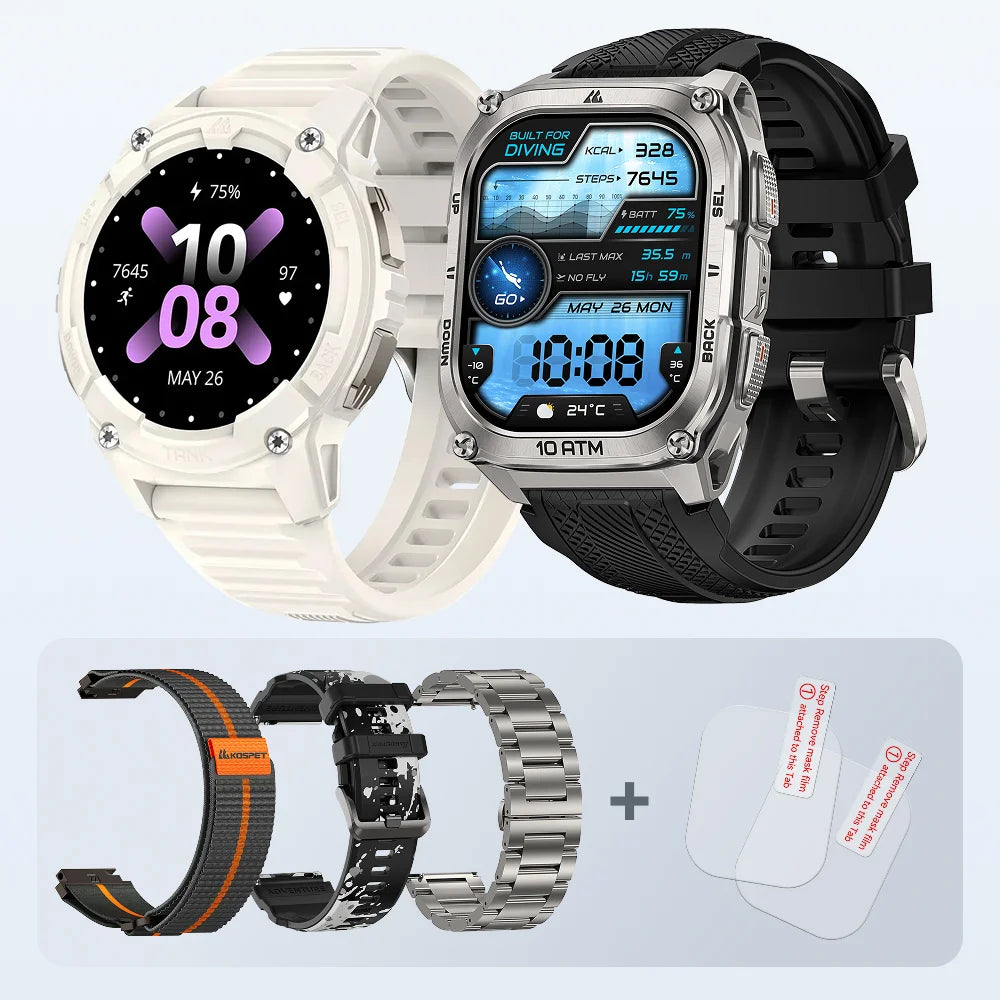
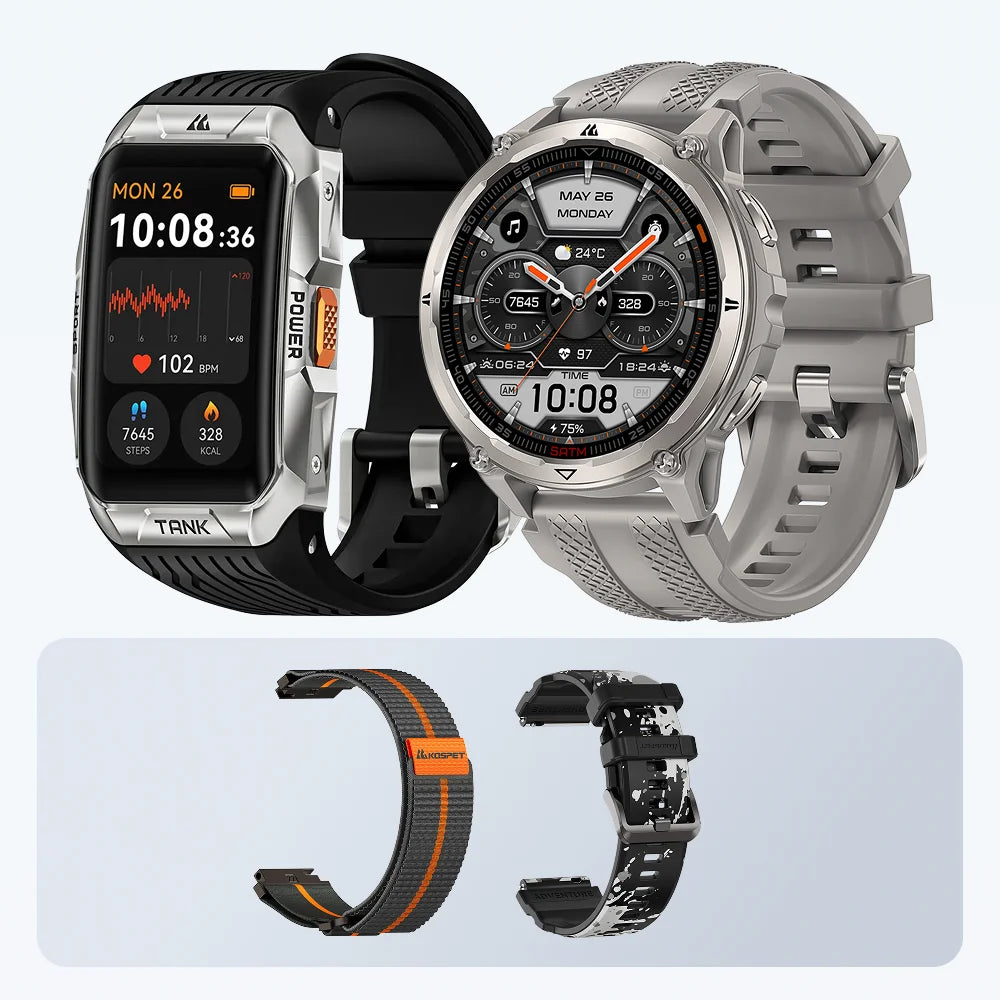
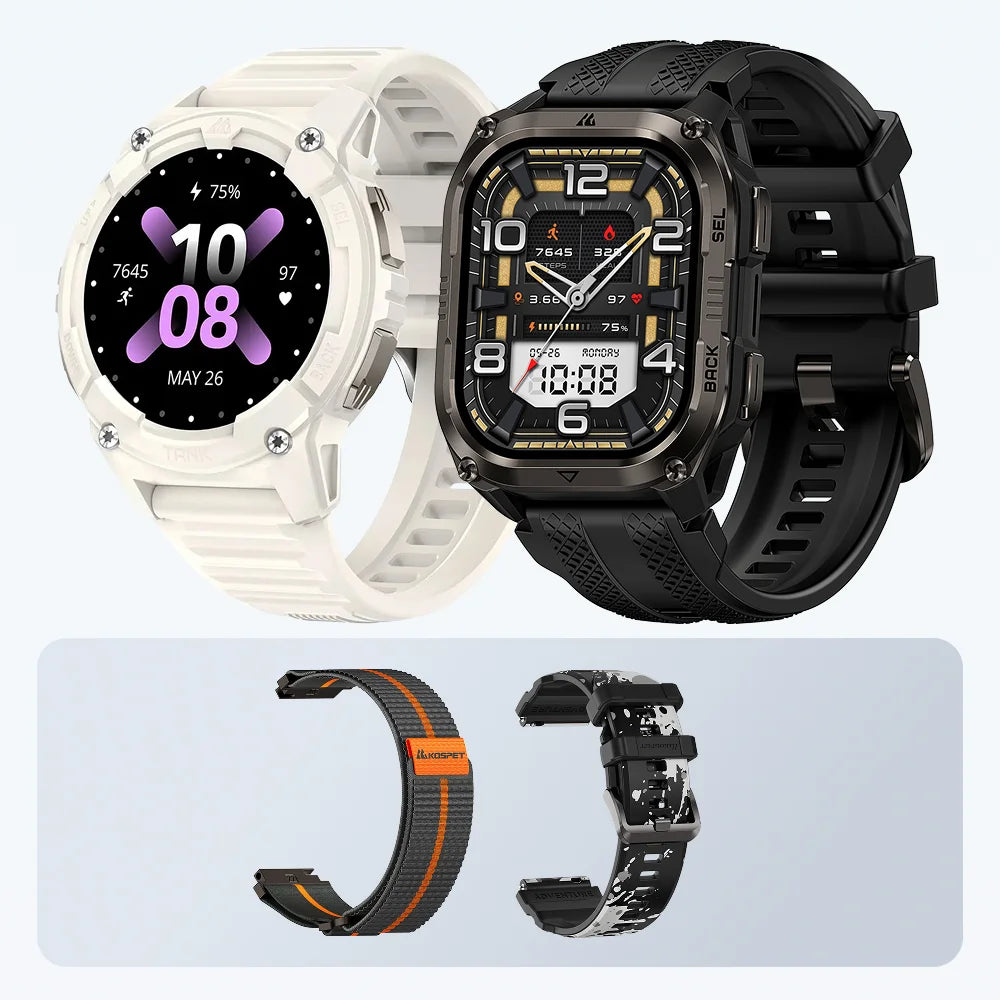
KOSPET AOD Battery Life by Popular Smartwatch
| KOSPET smartwatch | Typical Use Battery Life | AOD Mode Battery Life |
|---|---|---|
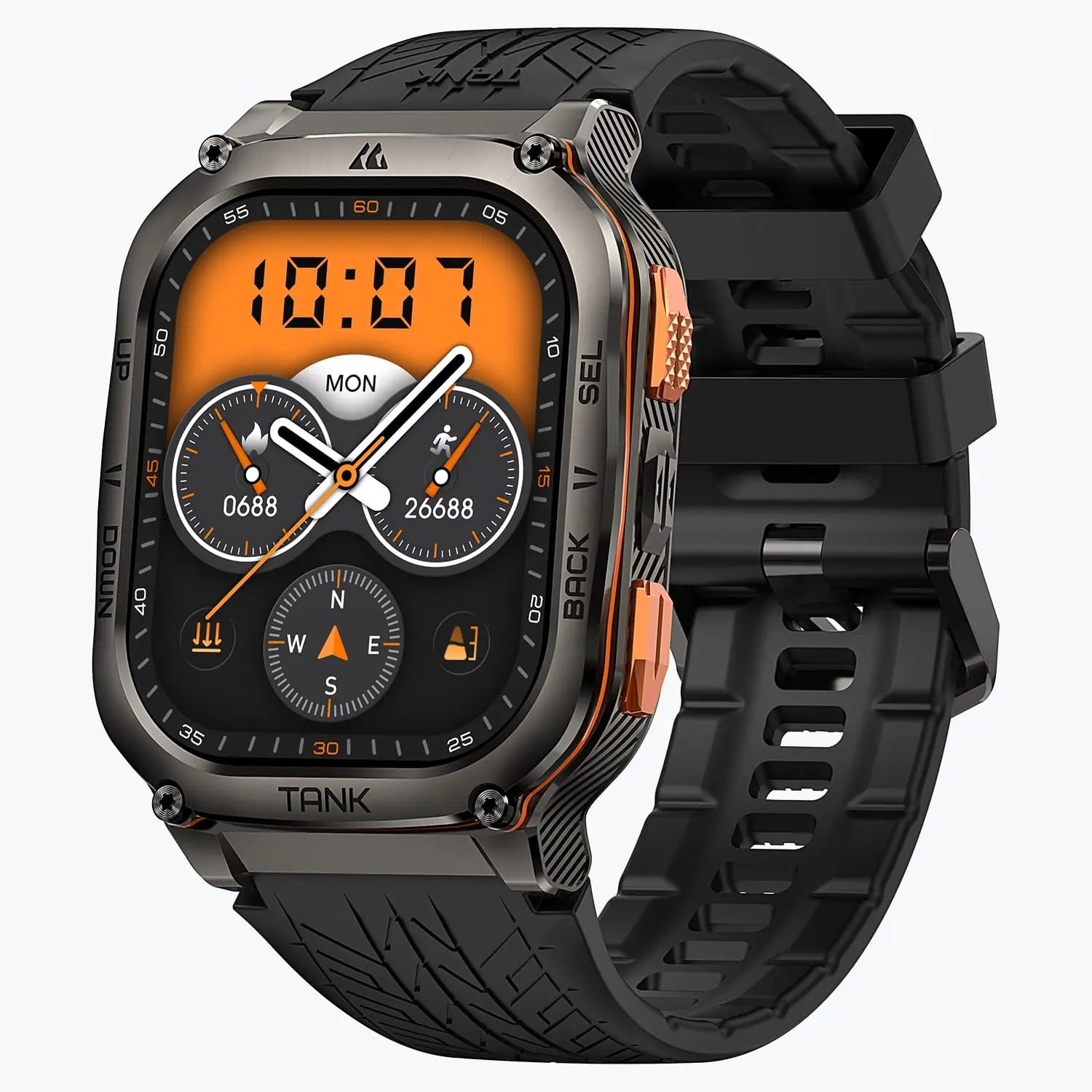
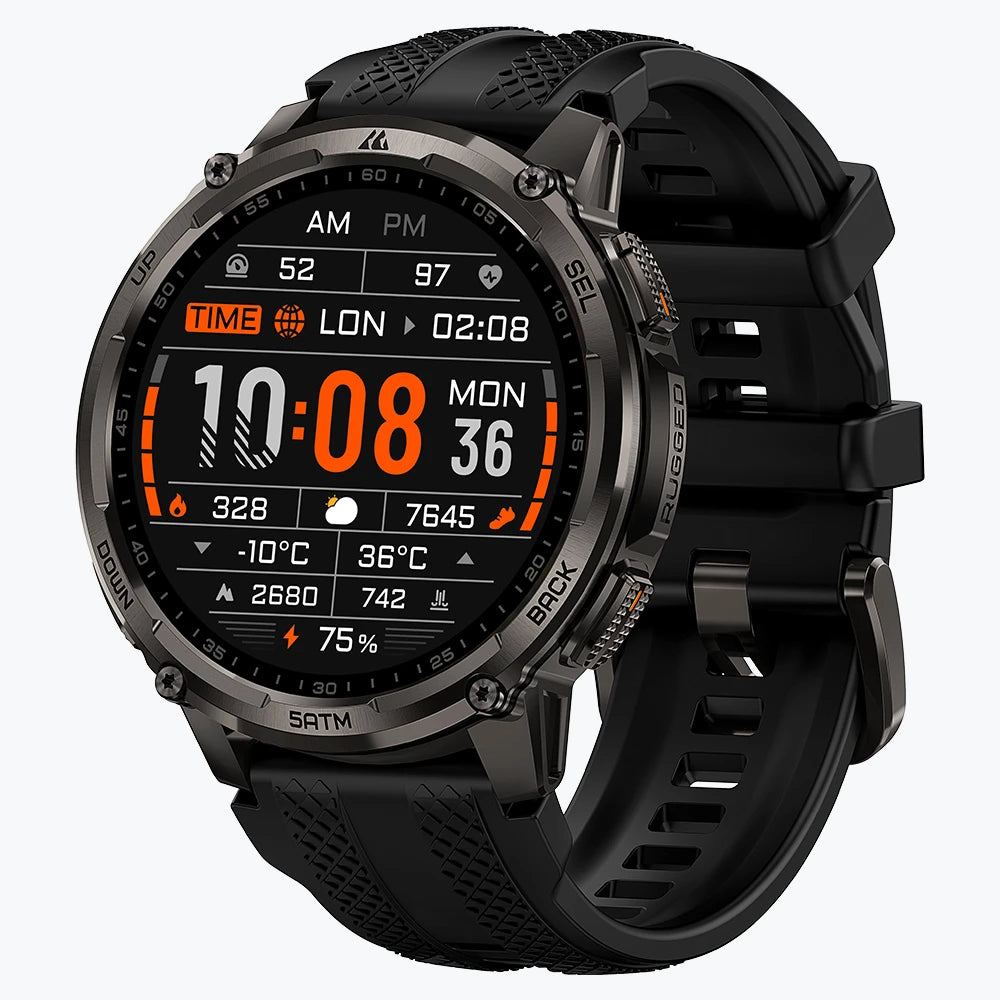
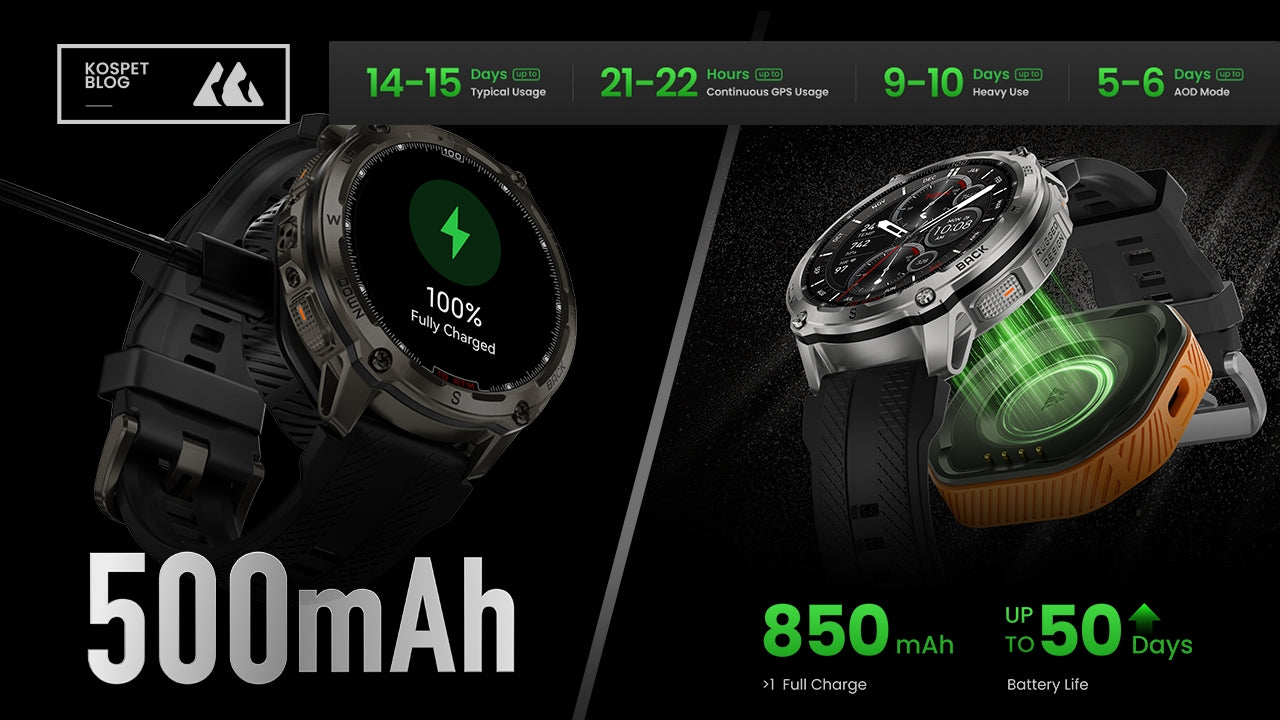
| KOSPET TANK T4 | 14-15 Days | 5-6 Days |
| KOSPET TANK T4C | 12-15 Days | 3-5 Days |
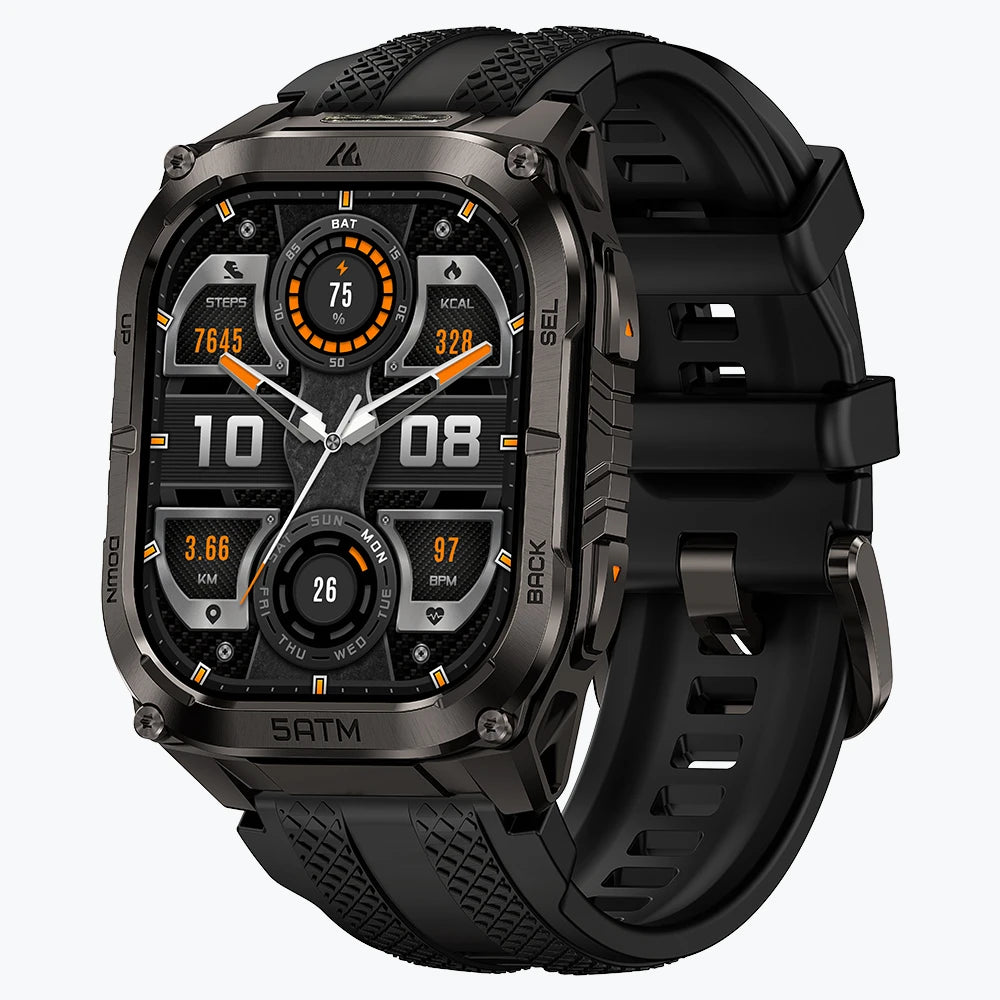
| KOSPET TANK M4 | 14-15 Days | 5-6 Days |
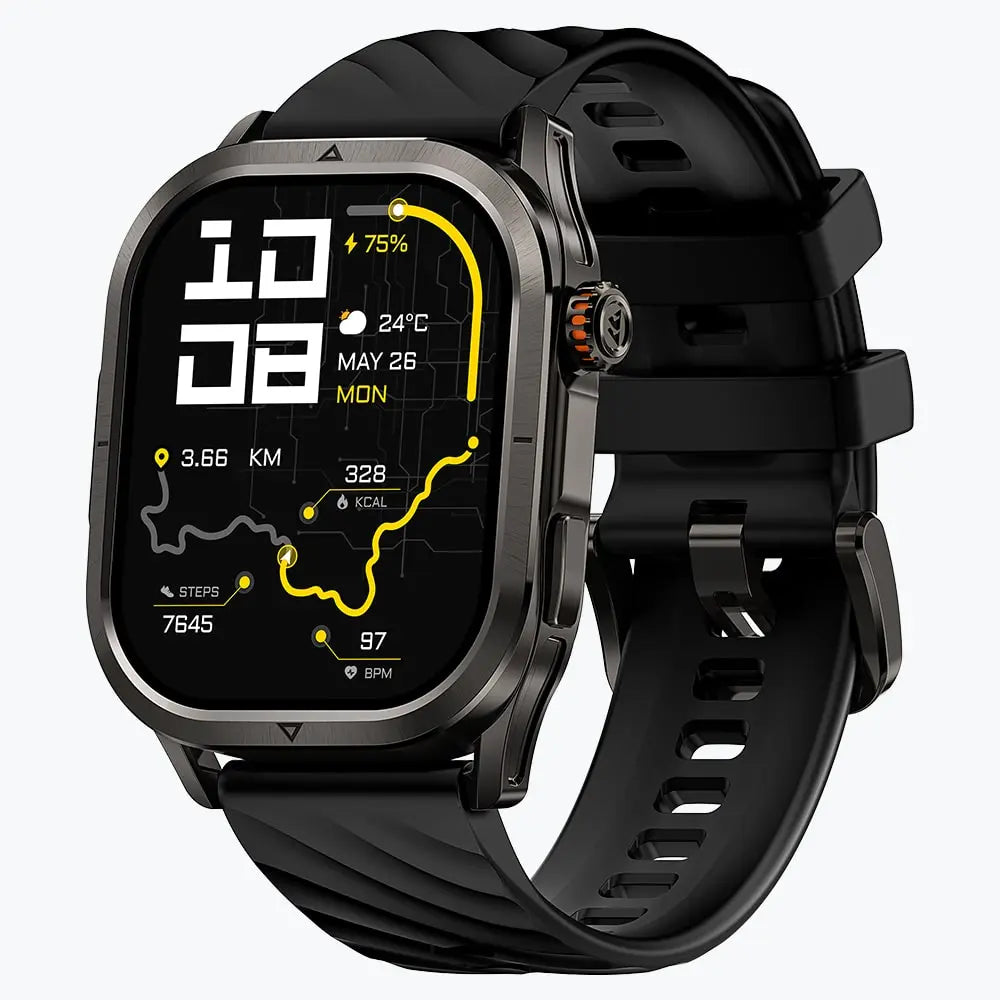
| KOSPET TANK T3U2 | 12-15 Days | 3-5 Days |
After the model data is added, this section should make one thing clear: AOD Mode battery life deserves its own comparison. A model can still be a long battery life smartwatch, but users should not expect its AOD number to match its typical-use number.
Minimum AOD Battery Life
There is no perfect AOD battery number for every user. The better standard is charging tolerance.
A users who only wants to avoid nightly charging may be fine with more than 2 days. A user who wants a lower-maintenance watch should look closer to 3–5 days. A user who travels, works long shifts, or wears the watch overnight may want more room.
- 1–2 days: acceptable for users who do not mind frequent charging
- More than 2 days: better for users who dislike nightly charging
- 3–5 days: more practical for low-friction daily wear
- 5+ days: stronger for travel, long shifts, and overnight use
The goal is not to chase the largest number. The goal is to avoid buying a long battery smartwatch that still feels like a daily-charging device once AOD is on.
Feature Trade-Offs
There is usually a trade-off between long battery life and full smartwatch features.
Some watches offer richer apps, deeper phone integration, LTE, voice assistants, and mobile payment. Those features can be useful, but they often come with shorter battery life, especially with AOD enabled.
Long battery smartwatches usually focus on a different value:
- fewer charging breaks
- longer daily wear
- stable notifications
- basic health tracking
- sleep tracking
- outdoor and workout use
- less battery management
This is where KOSPET can fit many long battery users. It is not about turning the watch into a second phone. It is about keeping the watch useful for longer stretches of daily wear, outdoor activity, workdays, and basic smart features.
For users who care most about AOD, the final check is simple: compare the specific model’s AOD Mode battery life before buying.
FAQ
Does AOD always reduce smartwatch battery life?
Yes. AOD usually reduces battery life because part of the screen stays active. The real impact depends on brightness, watch face design, notifications, health tracking, and background connection.
Is 1–2 days enough for AOD battery life?
It can be enough for users who accept frequent charging. For users looking for a long battery life smartwatch, 1–2 days often still feels too close to daily charging.
Can typical battery life be used to judge AOD performance?
Not directly. Typical battery life does not always include Always-On Display. AOD-focused users should look for AOD-specific battery life or real-use testing.
Is AMOLED better for Always-On Display?
AMOLED is better suited for AOD because black pixels can stay off and simple display elements can use less power. But AMOLED alone does not guarantee long AOD battery life. Brightness, watch face design, sensors, and background activity still matter.
What should I check before buying a long battery smartwatch for AOD?
Check whether the battery claim includes AOD. Then compare typical use, heavy use, GPS battery life, and real user feedback. A watch with strong normal battery life can still perform differently when the display stays on all day.





Leave a comment
This site is protected by hCaptcha and the hCaptcha Privacy Policy and Terms of Service apply.